FocusKube
A free, open-source desktop app that shows what's actually happening inside your Kubernetes clusters — pods, logs, topology — without sending any data to the cloud.
🔗 Visit FocusKube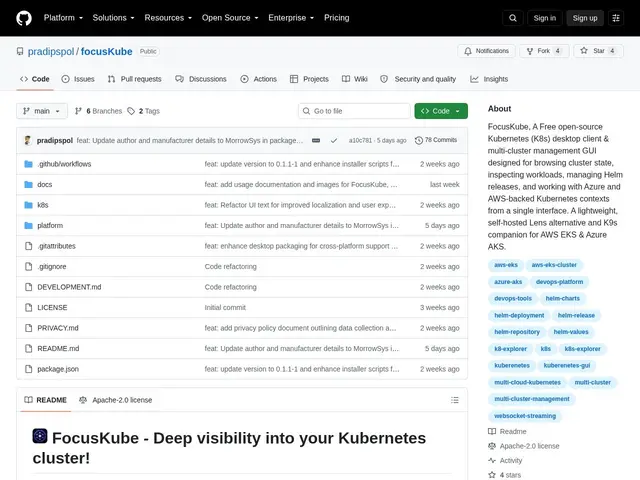
Description
Kubernetes is famously hard to "see into" — the usual way to check on a cluster is a wall of kubectl commands typed into a terminal, one cluster at a time. FocusKube turns that into a desktop app: open it, pick a cluster, and watch logs stream live, see how your services actually connect to each other, and get an alert log of what changed — all without installing anything on the server itself or sending data anywhere.
FocusKube is an Electron-based GUI (Windows/macOS/Linux) for managing Kubernetes clusters across Azure AKS, AWS EKS and local kubeconfig contexts. It streams pod logs, metrics and resource watches over WebSockets, renders interactive topology graphs of workload dependencies, keeps a 72-hour event history, and handles Helm releases with a diff-before-apply step so you see exactly what a chart upgrade will change before committing to it. A sandboxed terminal exposes kubectl/Helm with command logging and YAML editing built in. Everything runs zero-telemetry with no login and no cloud dependency, so it can run fully air-gapped — a rarer property among Kubernetes GUIs, most of which phone home or require an account.
💬 Our review
The short version: FocusKube is a Lens-style Kubernetes GUI for people who specifically don't want a cloud account or telemetry attached to their cluster credentials.
Lens is the dominant free Kubernetes desktop GUI and K9s the dominant terminal one, but Lens ties usage to a Mirantis account and K9s has no topology view at all — FocusKube's niche is a GUI with dependency graphs and Helm diff-before-apply that never phones home. It's free, so there's no cost risk in trying it, but at v0.1.1 with an unnotarized macOS build, it's a tool to evaluate on a side cluster before trusting it with production credentials; teams already happy with Lens or K9s have no urgent reason to switch yet.
💰 Pricing
📊 Global score
🤖 AI-enriched data
Gratuit, licence Apache-2.0
Pros
Zéro télémétrie, pas de compte, déploiement air-gapped possible
Streaming live des logs/métriques et topologie interactive des dépendances
Application Electron multiplateforme (Windows/macOS/Linux)
Cons
Très jeune projet (v0.1.1), petite base d'utilisateurs
Build macOS non notarié, autorisation manuelle nécessaire
Stabilité à grande échelle pas encore éprouvée