Zvia
A free desktop app that connects to a Linux server over SSH and automatically draws a map of how it's really wired — nginx, ports, containers, services — without installing anything on the server.
🔗 Visit Zvia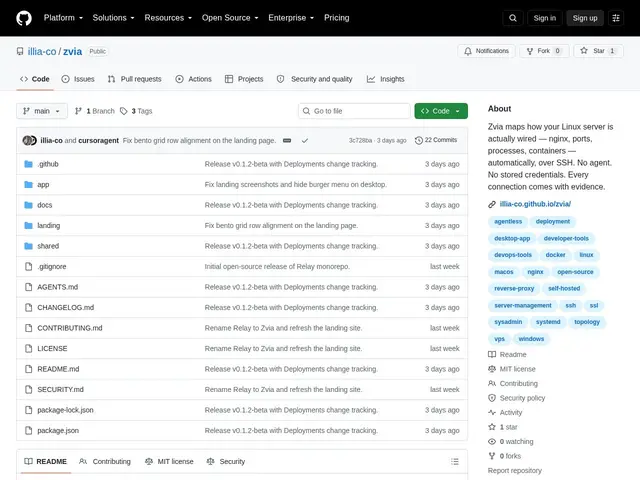
Description
Taking over an unfamiliar server is a common but stressful moment: is that Docker container actually being used? What's this nginx block routing to? Normally the only way to find out is a manual crawl through config files and `ps` output. Zvia automates that detective work — it connects over plain SSH, reads the real configuration on disk, and draws the actual dependency map, showing its evidence for every connection it infers.
Zvia is a native Electron desktop SSH client (built with Electron 44, TypeScript 5.8 and React 19) that correlates nginx config, SSL certificates, open ports, Docker containers and systemd services into a topology view — entirely agent-free, with nothing installed on the remote server. It bundles 15 tools in one app: deployments, overview, stats, users, processes, packages, logs, terminal, files, Docker, ports, nginx, SSL, services and cron, all running over real SSH/SFTP/PTY protocols rather than a proprietary agent protocol. Every inferred connection is marked confirmed or likely and cites its evidence (an nginx directive, a port binding, Docker output), and private keys are kept in the Electron main process, never reaching the renderer. It's scoped to one server at a time by design — there's no fleet-wide view.
💬 Our review
The short version: Zvia is what you'd want the first hour you SSH into a server someone else set up — it shows you the real topology instead of making you reconstruct it by hand.
Most SSH clients (Termius, standard terminal + tmux) give you a shell and nothing else; server dashboards that show topology (like a Netdata or a cloud provider's console) usually require installing an agent or living inside one cloud's ecosystem. Zvia's agent-free, evidence-cited topology discovery is genuinely uncommon at this price point (free). The tradeoff is scope: it looks at one server at a time, so it's not a fleet-monitoring tool, and being pre-1.0 it lacks polish like macOS notarization or auto-update. Worth using the moment you inherit an unfamiliar server; skip it if you need a multi-server fleet view, where it simply isn't built for that yet.
💰 Pricing
📊 Global score
🤖 AI-enriched data
Gratuit, licence MIT
Pros
Sans agent : rien à installer ni maintenir sur le serveur distant
Topologie avec preuves : chaque connexion déduite cite sa source
SSH/SFTP/PTY réels, plus terminal, explorateur de fichiers et logs dans une seule app
Cons
Portée limitée à un seul serveur, pas de vue multi-serveur ou de flotte
Très jeune, build macOS non notarié, pas de mise à jour automatique
Documentation publique encore éparse