textsnap
A one-command tool that turns any screenshot, image, PDF, or webpage into plain text or markdown, running entirely on your CPU with no cloud or GPU needed.
🔗 Visit textsnap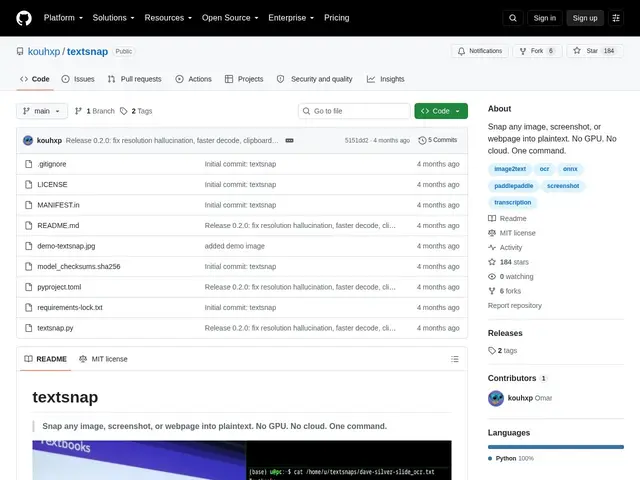
Description
Getting text out of a screenshot or a scanned document usually means either pasting it into a cloud OCR service (privacy tradeoff, needs internet) or setting up a GPU-heavy vision model just to read some words off an image. textsnap is built for the everyday case: run one command against a local image, a URL, or your clipboard, and get clean text or markdown back, using nothing but your computer's CPU.
Under the hood, textsnap runs a quantized vision-language model (PaddleOCR-VL-1.5) via ONNX Runtime, entirely offline after a one-time ~890MB model download on first use. It accepts local images, image URLs, whole webpages, or clipboard content, and can write results back to the clipboard for a fast copy-paste workflow, preserving document structure (headings, lists) when outputting markdown. It's a single-file Python module (MIT-licensed, PaddleOCR-VL-1.5 model itself Apache-2.0) with 184 GitHub stars. Limitations include a default 2048-token output cap that can truncate long pages, CPU decoding being slower than GPU on dense documents, and webpage OCR only capturing the most prominent image on a page rather than the full rendered layout.
💬 Our review
The short version: textsnap is a genuinely handy "just get me the text" utility for developers who don't want to stand up cloud OCR infrastructure for occasional use — simple, local, and free, with real adoption (184 stars) backing up the idea.
Against cloud OCR APIs (Google Vision, AWS Textract), textsnap trades some accuracy on dense documents and speed (CPU-only) for zero cost, zero API keys, and full offline privacy — a fair trade for scripts and personal workflows, less so for high-volume production pipelines. Against Locro, another local-OCR tool in the same space, textsnap leans on a purpose-built vision-language model (PaddleOCR-VL-1.5) rather than repurposing Chrome's engine, and adds webpage/clipboard input as first-class citizens, at the cost of a heavier one-time model download (~890MB) versus Locro's lighter dependency on Chrome. Worth it for developers who occasionally need quick text extraction from screenshots or webpages and want to stay local; look at a cloud API instead if you're processing high volumes of dense, multi-column documents.
💰 Pricing
📊 Global score
🤖 AI-enriched data
Gratuit, licence MIT (modèle sous-jacent PaddleOCR-VL-1.5 en Apache-2.0)
Pros
Fonctionne 100% en local sur CPU, aucun GPU ni cloud requis
Accepte images, URLs, pages web entières et presse-papier
Préserve la structure du document (titres, listes) en sortie markdown
184 étoiles GitHub, adoption réelle pour un outil de niche
Cons
Télécharge ~890 Mo de modèle au premier lancement
Décodage CPU plus lent qu'un GPU sur des documents denses
Plafond de sortie à 2048 tokens par défaut, peut tronquer les pages longues
N'OCRise que l'image la plus proéminente d'une page web, pas la mise en page complète