Diagram Design
A free library of nearly 40 ready-made diagram styles — flowcharts, architecture maps, timelines and more — that produces clean, on-brand diagrams for documentation without opening a design tool.
🔗 Visit Diagram Design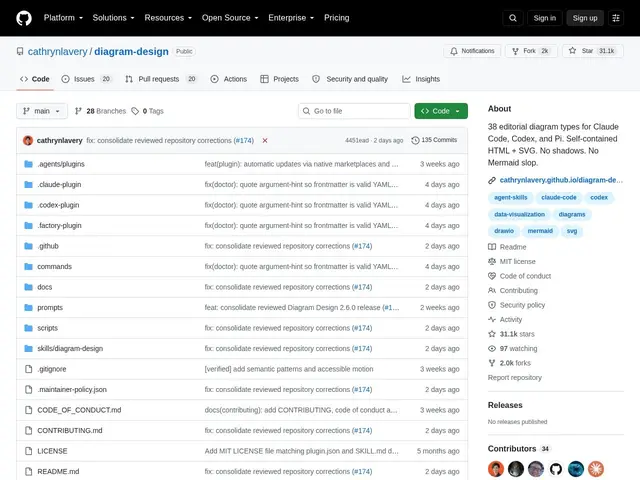
Description
Making a diagram for a README, a technical proposal or a blog post usually means either wrestling with a general-purpose design tool to get something that looks consistent, or settling for a plain auto-generated chart that doesn't match your document's style. Diagram Design solves this by packaging 39 diagram types — architecture diagrams, flowcharts, sequence diagrams, timelines, database schemas, Sankey flows, Wardley maps, UML — with consistent, editorial-quality styling baked in, so you get a polished result without touching design software.
Diagram Design is an open-source "skill" that generates self-contained HTML and SVG diagrams, distributed under MIT and designed to be used either directly or through AI coding agents like Claude Code, Codex and Pi. Each diagram type comes in three visual variants (minimal light, minimal dark, full editorial), supports brand customization by extracting colors from a website or manual token configuration, and can import existing Mermaid or Draw.io diagrams and re-render them in its own style. Output is self-contained HTML that works offline with no external dependencies, includes accessible motion with reduced-motion fallbacks, and supports managing multiple client brand profiles for agencies or consultants working across several projects. At 31,400 GitHub stars and 2,000 forks, with 135 commits and active CI/CD validation, it's a genuinely well-adopted project, not an early experiment — it was trending on GitHub the same day it was discovered for this catalog.
💬 Our review
The short version: if you regularly need diagrams for docs, proposals or blog posts and you're tired of Mermaid's plain default look or a design tool's overhead, Diagram Design gives you nearly 40 polished, on-brand diagram types for free.
Against Mermaid — the default choice for most developers because it's built into GitHub and many docs tools — Diagram Design's edge is purely visual: Mermaid renders correctly but plainly, while this project's three-variant styling (minimal light/dark, full editorial) and brand-color extraction produce something that looks intentionally designed rather than auto-generated, and it can even import your existing Mermaid diagrams to restyle them. Against a general tool like Draw.io or Lucidchart, the edge is that it's free, scriptable, and built for agent-driven workflows rather than manual dragging-and-dropping. With 31k+ stars it's clearly resonating, and being MIT-licensed and dependency-free (self-contained HTML/SVG output) means there's essentially no downside to trying it. Best for anyone producing technical documentation, proposals or educational content who cares about visual polish; if you just need a quick throwaway flowchart, Mermaid's simplicity is still faster.
💰 Pricing
📊 Global score
🤖 AI-enriched data
Gratuit, licence MIT
Pros
39 types de diagrammes prêts à l'emploi avec un style éditorial cohérent
3 variantes visuelles par type (clair minimal, sombre minimal, éditorial complet)
Import et re-stylisation de diagrammes Mermaid/Draw.io existants
Sortie HTML/SVG autonome, fonctionne hors-ligne, personnalisable à la marque
31 400 étoiles GitHub — adoption réelle et significative, pas un projet naissant
Cons
Overkill pour un simple schéma jetable — Mermaid reste plus rapide dans ce cas
Nécessite d'utiliser un agent IA ou de suivre le workflow du skill pour en tirer tout le potentiel
Personnalisation de marque avancée demande une configuration manuelle des tokens