CueCast
No-code browser testing tool that records you clicking through your web app once, then replays that test automatically, with AI-powered fallback when a page's layout changes.
🔗 Visit CueCast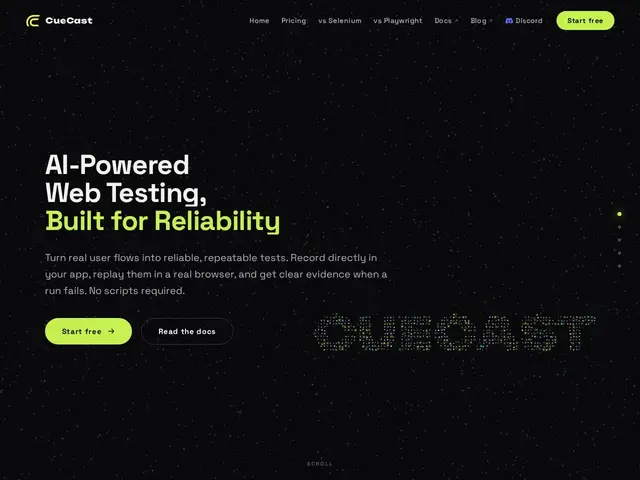
Description
Automated testing for websites usually means writing code — Selenium or Playwright scripts that break the moment a button moves three pixels to the left. CueCast skips the coding part entirely: you record yourself performing a workflow (like signing up or checking out) directly in your app, and it replays that same sequence in a real browser going forward, using AI to keep finding the right element even after your page layout changes.
CueCast drives a real browser through the Chrome DevTools Protocol and uses multi-locator element matching with automatic fallback, so a test doesn't necessarily break just because a CSS selector or DOM structure shifted. Failures come with step-level diagnostics and screenshots plus AI-assisted analysis of what went wrong, and results can trigger webhook or email alerts on paid plans. It's aimed at teams — QA engineers, developers, product and ops folks — who need reliable regression tests for critical flows like checkout or onboarding but don't have a dedicated test-automation engineer to maintain a Selenium/Playwright codebase.
💬 Our review
The short version: CueCast's real bet isn't "no-code recording" (several tools do that) but the automatic-fallback element matching, which directly targets the single biggest maintenance headache in browser test automation — tests breaking every time a developer tweaks the UI.
No-code browser testing already has established players — Testim, mabl, and Reflect all offer AI-assisted, no-code test recording with varying degrees of self-healing tests. CueCast's approach (CDP-based execution plus explicit multi-locator fallback) is broadly similar in spirit to what Testim and mabl already do, so it's competing on execution and price rather than a fundamentally new idea. Its free tier (3 test cases, 100 runs) is generous enough to genuinely evaluate the product before paying, and its entry paid tier ($9-29/month) undercuts mabl and Testim's typical enterprise-oriented pricing. The tradeoff for choosing a smaller, newer player over Testim/mabl is a shorter track record and a smaller library of pre-built integrations. Worth trying for a small team's first foray into automated browser testing, especially given the usable free tier; larger orgs with complex CI/CD pipelines and existing Selenium/Playwright investment may get more value from Playwright directly, which is free and fully scriptable.
💰 Pricing
📊 Global score
🤖 AI-enriched data
Gratuit (3 tests, 100 runs) ; Plus à partir de 9 $/mois (tarif de lancement, 29 $/mois ensuite) ; Pro à partir de 49 $/mois (99 $/mois ensuite)
Pros
Enregistrement sans code, aucun script à maintenir
Correspondance multi-locator avec fallback automatique en cas de changement d'UI
Diagnostics détaillés par étape avec captures d'écran
Palier gratuit exploitable pour évaluer l'outil
Cons
Concept similaire à des outils établis (Testim, mabl), pas une rupture
Écosystème d'intégrations plus restreint que les leaders établis
Historique de fiabilité plus court sur des suites de tests volumineuses