Shed
Terminal tool for managing git repository catalogs and providing disposable workspaces for coding agents.
🔗 Visit Shed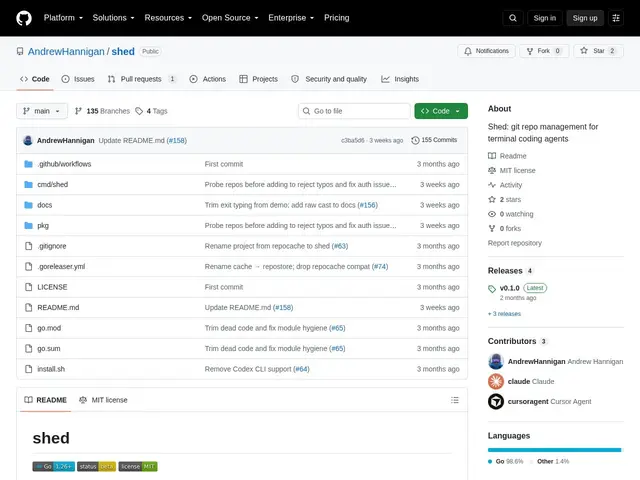
Description
Running several AI coding agents on the same project at once creates an obvious hazard: if two agents work in the same folder, one can overwrite or corrupt what the other just wrote. Shed is a free command-line tool that solves this by keeping a clean, read-only, automatically-updated copy of your repositories, and handing each agent (or each of your own parallel tasks) a disposable, throwaway workspace to actually work in — so nothing gets tangled and you can just delete a workspace when the task is done.
Shed maintains synchronized, read-only catalogs of git repositories that stay up to date via automatic background syncing, and spins up disposable workspaces from those catalogs for isolated branching, code reading, and pull-request work. It supports multiple versions of the same repository running side by side, prunes workspaces automatically once their pull requests are merged, and integrates directly with agentic coding tools including Claude Code, Cursor CLI, and opencode. It's fully open source and free, aimed at developers and teams running multiple parallel AI-agent sessions against the same codebase who need isolation without manually managing a pile of git clones.
💬 Our review
The short version: Shed is a small, free, open-source fix for a very specific and very new annoyance — parallel AI coding agents stepping on each other's work in the same repo — and it solves it with a simple, sensible pattern (sync once, work in disposable copies).
Before agent-heavy workflows, most developers just used git worktree or manual clones to isolate parallel branches, and that still works, but it's manual and doesn't scale well when you're running four or five agent sessions at once, each needing its own clean slate. Shed automates exactly that: one synced source of truth, cheap disposable workspaces on top, plus native integration with the actual agent CLIs people are using today (Claude Code, Cursor CLI, opencode) rather than expecting you to script the isolation yourself. Being open source and free means there's no real cost to trying it, though it's a young, single-maintainer-looking project, so expect rougher edges than a mature CLI tool. Worth adopting if you're already running multiple agent sessions in parallel against shared repos; unnecessary if you only ever run one agent session at a time, where git worktree alone is enough.
💰 Pricing
📊 Global score
🤖 AI-enriched data
Entièrement gratuit, projet open source sur GitHub
Pros
Gratuit et open source, aucun coût à essayer
Intégration directe avec Claude Code, Cursor CLI et opencode
Synchronisation automatique en arrière-plan des catalogues de dépôts
Nettoyage automatique des workspaces une fois les PR mergées
Cons
Projet jeune, semble porté par un seul mainteneur
Redondant si un seul agent tourne à la fois (git worktree suffit)
Documentation et communauté probablement limitées à ce stade