Tracky Mouse
Free, open-source app and JavaScript library that lets users control a computer or web app via head movement instead of a mouse.
🔗 Visit Tracky Mouse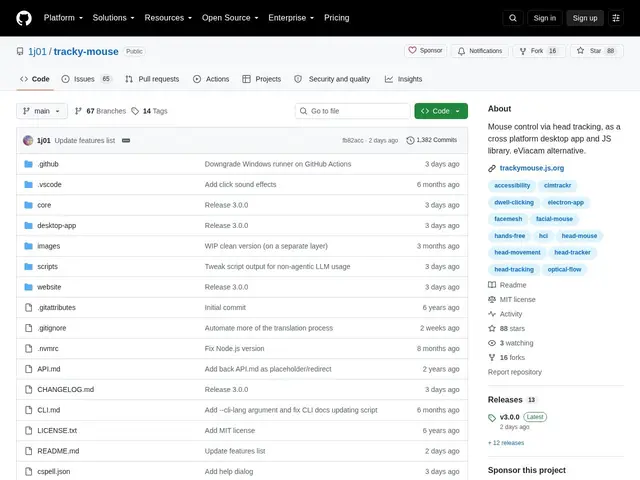
Description
For someone with limited hand mobility or chronic joint pain, a standard mouse and keyboard can be a genuine barrier to using a computer at all. Tracky Mouse offers a free way around that: point a webcam at your face, move your head, and it moves the cursor — with blinking or opening your mouth standing in for clicks.
Tracky Mouse is an open-source, hands-free computer control application that lets users operate their computer via head movement instead of traditional input devices, available both as a standalone desktop app and an embeddable JavaScript library for web applications. It offers direct-control, virtual-joystick, and D-pad movement modes, multiple click methods (dwell-to-click, blink-to-click, mouth-opening gestures), configurable sensitivity and acceleration, and automatic pause when a physical mouse or touchpad is detected — aimed at people with mobility limitations and developers building accessible web apps.
💬 Our review
The short version: a free, genuinely capable alternative to commercial head-tracking mouse software, with the added bonus of being embeddable directly into web apps.
Against eViacam, the most commonly cited alternative, Tracky Mouse's differentiators are being open source (auditable, no cost, community-improvable) and offering a JavaScript library that developers can embed in their own web apps for built-in accessibility — something a desktop-only competitor can't do. The trade-off of being a community project rather than a commercial product is the usual one: no dedicated support line, and quality depends on webcam and lighting conditions like any vision-based input method. For individuals needing free hands-free control, or developers who want to add accessible input to a web app, it's a strong, low-risk option to try since there's no cost involved.
💰 Pricing
📊 Global score
🤖 AI-enriched data
Gratuit, licence MIT, disponible en application de bureau et bibliothèque JavaScript embarquable.
Pros
Plusieurs modes de contrôle par mouvement de tête (direct, joystick virtuel, D-pad)
Plusieurs méthodes de clic sans souris (dwell, clignement, ouverture de bouche)
Pause automatique dès qu'une souris ou un pavé tactile physique est détecté
Disponible en app de bureau ET en bibliothèque JS embarquable pour le web
Cons
Nécessite une webcam fonctionnelle et un bon éclairage pour la détection
Courbe d'apprentissage pour maîtriser la précision du contrôle par tête
Projet communautaire, pas de support commercial officiel