terminal-browser
A free, open-source tool that runs a real Chromium browser inside your terminal, with full mouse/keyboard support, SSH access, and a CLI for AI agents to control it programmatically.
🔗 Visit terminal-browser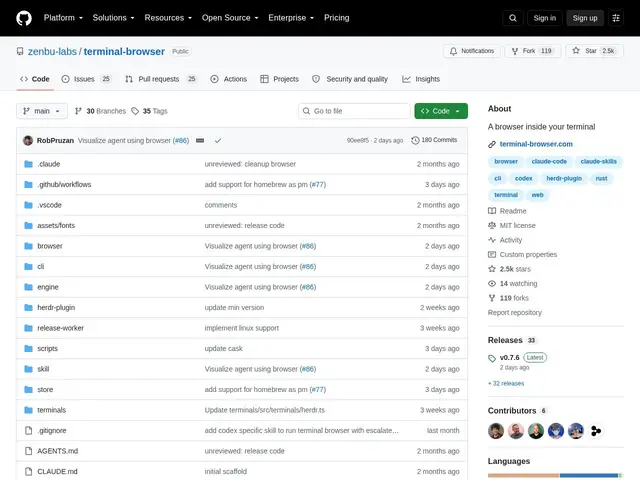
Description
Switching between a terminal and a browser window breaks focus, especially when you're checking a localhost dev server or letting an AI agent browse the web as part of its work. terminal-browser puts an actual, full Chromium engine directly inside the terminal window itself.
terminal-browser renders real web pages using Chromium via the kitty graphics protocol, with full mouse, keyboard, and trackpad input, tab management, browser devtools/console, find-in-page, and page recording/playback. It supports SSH so you can browse remotely or preview a localhost service on a remote server, works across kitty, ghostty, VS Code, and cmux terminals, and includes a dedicated agent-browser CLI so AI agents can control the browser programmatically within the same terminal session. It's a genuinely active project — 2,463 GitHub stars and commits as recent as the day it was checked — MIT-licensed and free.
💬 Our review
The short version: terminal-browser is a real, actively maintained Chromium-in-terminal implementation, not a toy — and the built-in agent-browser CLI makes it a legitimate option for anyone building or using AI agents that need to browse the web without leaving the terminal.
awrit is the most direct prior art in this space, also rendering a real browser engine in the terminal via graphics protocols, so the two are worth comparing if you're choosing between them — terminal-browser's explicit agent-CLI and SSH-friendly design are its clearer differentiators. Older text-mode browsers like Browsh or classic lynx/w3m render pages as text or simplified graphics rather than a true Chromium engine, so they're lighter-weight but lose modern web app compatibility (JavaScript-heavy sites, complex layouts) that terminal-browser handles natively. For developers who live in the terminal and want to preview a dev server or let an agent interact with a real webpage without spawning a separate browser window, terminal-browser is a strong, free, actively developed choice.
💰 Pricing
📊 Global score
🤖 AI-enriched data
Open source sous licence MIT, aucun coût
Pros
Vrai moteur Chromium, pas un rendu texte simplifié
CLI dédiée pour contrôle par agent IA (agent-browser)
Support SSH pour navigation distante
Projet actif (2 463 étoiles GitHub, commits récents)
Cons
Nécessite un terminal compatible graphics protocol (kitty, ghostty...)
Plus lourd que les navigateurs texte classiques (lynx/w3m)
Projet encore jeune malgré la traction