RepoFlows
RepoFlows generates instant runtime architecture visualizations for any GitHub repository, helping developers understand codebase structure at a glance. Open-source tool built on MIT license with built-in visualization caching.
🔗 Visit RepoFlows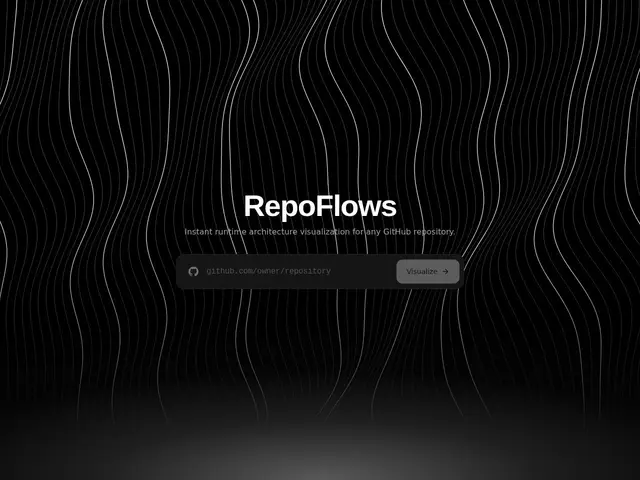
Description
Opening an unfamiliar codebase and trying to figure out how the pieces fit together usually means clicking through dozens of files by hand. RepoFlows skips that: paste in a GitHub repository link and it automatically draws a diagram of how the code is actually structured and connected, so you get the big picture before diving into the details.
RepoFlows is an open-source (MIT), free tool that generates runtime architecture diagrams directly from any GitHub repository. It automates dependency visualization and code structure mapping, caches generated diagrams for faster repeat access, and lets you browse recently visualized repositories from other users.
💬 Our review
The short version: RepoFlows automates a task every developer does manually when exploring a new codebase — figuring out its architecture — and it's free.
Compared to CodeSee (which pivoted away from free codebase mapping) or Sourcetrail (discontinued), RepoFlows' differentiator is that it's actively free, open-source, and requires zero manual setup — point it at a GitHub URL and get a diagram, versus tools that need local installation or paid subscriptions for the same job. The tradeoffs are real: it's an early-stage project with limited documentation, no offline mode, and diagram customization is minimal, so for deeply complex codebases you may still need to dig in manually. For quickly orienting yourself in an unfamiliar public repository, RepoFlows is a genuinely useful free first step; for private repos requiring deep customization or offline analysis, it's not yet a complete replacement for manual exploration or a paid IDE plugin.
💰 Pricing
📊 Global score
🤖 AI-enriched data
Gratuit et open source, licence MIT.
Pros
Gratuit et open source, licence MIT
Génération automatique de diagrammes sans configuration manuelle
Intégration directe avec GitHub pour un accès facile aux dépôts
Visualisation rapide grâce à un système de cache
Développement porté par la communauté
Cons
Documentation et tutoriels limités
Projet en phase précoce, fonctionnalités encore évolutives
Aucune capacité hors ligne
Options de personnalisation des diagrammes limitées
Dépendance à GitHub pour l'analyse des dépôts