screenshot-to-code
Open-source tool that turns a screenshot, mockup, or Figma design into working HTML, React, or Vue code.
🔗 Visit screenshot-to-code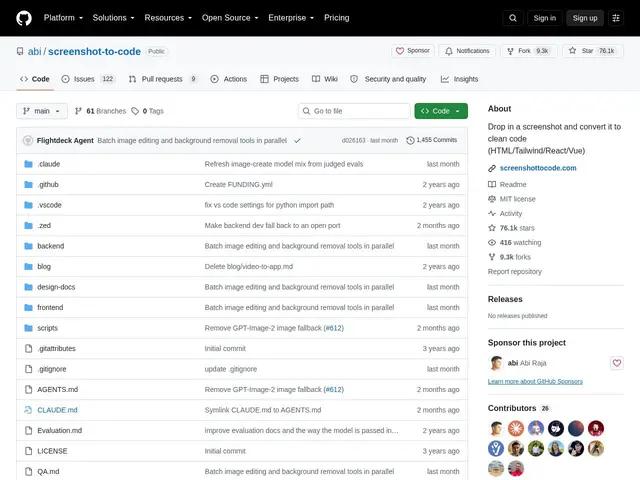
Description
Turning a design mockup into actual front-end code is one of the most repetitive parts of building a web page — measuring spacing, matching colors, recreating a layout pixel by pixel. screenshot-to-code automates that translation: feed it an image and it writes the code.
screenshot-to-code is an open-source project that converts screenshots, Figma exports, mockups, and even screen recordings into functional code across multiple stacks — HTML+Tailwind, React, Vue, Bootstrap, and Ionic — using your choice of AI backend (Gemini, GPT, Claude, or Replicate). It includes asset extraction from the source image, basic image editing, and a headless-browser preview so you can compare the generated result against the original design. It's aimed at developers and designers who want a fast first draft of a UI rather than starting from a blank file.
💬 Our review
The short version: for turning a static design into a rough-but-real first draft of working code, screenshot-to-code does the tedious part — layout, spacing, basic styling — and it's free and open-source if you self-host it.
Compared to v0 by Vercel, which is more polished and tightly integrated with Next.js/React conventions, screenshot-to-code is more flexible about output stack (React, Vue, plain HTML) and about which AI model powers the conversion, at the cost of a rougher setup experience since you're running it yourself. Compared to Builder.io or Locofy, which target production-grade design-to-code pipelines with ongoing design-sync, this tool is better suited to one-off prototyping than a maintained design system. If you just need a fast starting point from a screenshot and don't mind cleaning up the output by hand, it's a solid free option; for a production pipeline tied to a live Figma file, the paid alternatives do more of that syncing work for you.
💰 Pricing
📊 Global score
🤖 AI-enriched data
Open-source (MIT), gratuit en auto-hébergement ; version hébergée sur screenshottocode.com, tarifs non publics
Pros
gratuit et open-source en auto-hébergement
supporte plusieurs stacks de sortie (HTML, React, Vue, Bootstrap, Ionic)
choix du modèle IA backend (Gemini, GPT, Claude, Replicate)
aperçu par navigateur headless pour comparer au design d'origine
Cons
code généré à nettoyer manuellement, pas prêt pour la prod tel quel
installation en self-host moins immédiate qu'un service clé-en-main
pas de synchronisation continue avec un fichier Figma vivant, contrairement à Builder.io/Locofy