ipatool
Command-line tool to search, authenticate, and download iOS app packages (IPA files) from the App Store.
🔗 Visit ipatool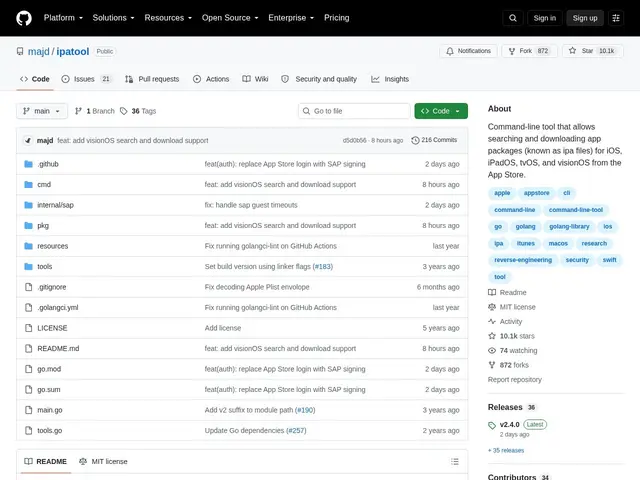
Description
Getting a copy of an app you've legitimately purchased — to archive it, test an older version, or inspect it for security research — isn't something Apple's App Store makes easy from a terminal. ipatool fills that specific gap: a small command-line program that talks to the App Store on your behalf.
ipatool is an open-source CLI written in Go that lets you search the App Store, authenticate with your Apple ID, and download the encrypted IPA package for apps tied to your account, across iOS, iPadOS, tvOS, and visionOS. It also lists available app versions and supports both text and JSON output for scripting. It's used mainly by developers doing app testing, IT teams archiving enterprise app versions, and security researchers who need a specific IPA to inspect. Downloaded packages remain Apple's DRM-encrypted format and are tied to the downloading account, so this isn't a piracy tool — it only retrieves apps already associated with your Apple ID.
💬 Our review
The short version: it's a narrow, well-built utility for a specific job — pulling an IPA you're entitled to from the command line — and it does that job with no upsell, no account beyond your own Apple ID, and no cost.
There isn't a real commercial alternative here; the comparison is really 'use ipatool from a script' versus 'log into a Mac's App Store app and download manually,' and for anyone doing this more than once, the CLI wins on repeatability. The caveat worth stating plainly: downloaded IPAs stay tied to Apple's DRM and your Apple ID, and using this tool to redistribute apps you don't have rights to would violate Apple's terms — legitimate uses (testing, archival, security research on apps you own) are unaffected.
💰 Pricing
📊 Global score
🤖 AI-enriched data
Open-source (MIT), gratuit
Pros
gratuit et open-source (MIT)
scriptable (sortie JSON) pour automatiser les téléchargements
couvre iOS, iPadOS, tvOS et visionOS
usages légitimes clairs : archivage, tests, recherche en sécurité
Cons
les IPA restent chiffrés/liés au compte Apple, pas un outil de piratage
usage encadré par les conditions d'Apple, à respecter
pas d'interface graphique, réservé aux utilisateurs à l'aise en ligne de commande