Puppetflow
Self-hosted browser automation platform for writing, scheduling, and monitoring Puppeteer scripts, with live session takeover when things go wrong.
🔗 Visit Puppetflow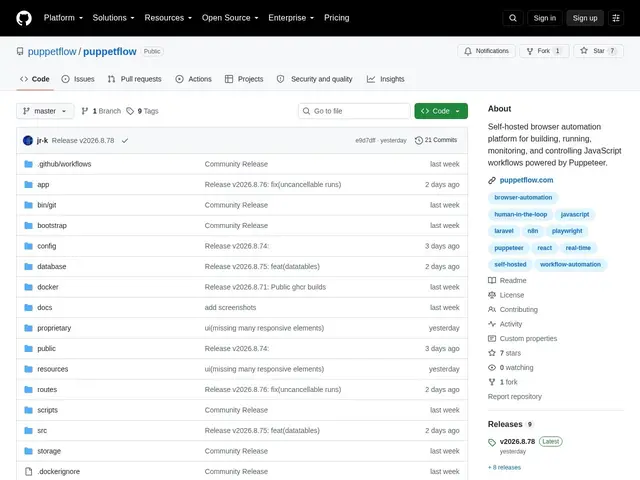
Description
Browser automation scripts are great until something unexpected happens on the page, a login screen, a CAPTCHA, a layout change, and then you have no way to see what's actually going on or step in. Puppetflow is a self-hosted platform for running these scripts that lets you watch the browser live while it works and take manual control mid-run if it gets stuck.
Puppetflow lets you write JavaScript automation workflows powered by Puppeteer, execute them on-demand or on a schedule, and watch live browser sessions with the ability to intervene manually when needed. It organizes work into workspaces with variable and secret management, keeps run history with full logs, and integrates with external tools like 1Password for secrets and n8n for broader workflow automation. It's source-available: free for personal or non-commercial use, with a paid subscription required for internal business use.
💬 Our review
The short version: Puppetflow's live session monitoring with manual takeover is a genuinely useful safety net that plain scripted automation lacks, worth it if your automations regularly hit unpredictable pages; the source-available license means it's free for personal projects but not for business use.
Compared to running raw Puppeteer or Playwright scripts yourself, Puppetflow adds scheduling, run history, secrets management, and, most usefully, the ability to watch a session live and step in rather than discovering a failure after the fact in logs. It's a smaller, younger project (7 stars) than established RPA or scraping platforms, and its licensing model, free personally, paid for business use, matters if you're evaluating it for work rather than a side project. Worth self-hosting for teams that want that live-intervention safety net without paying for a full commercial RPA suite.
💰 Pricing
📊 Global score
🤖 AI-enriched data
Gratuit pour usage personnel, payant pour usage professionnel interne
Pros
surveillance de session live avec prise de contrôle manuelle possible
planification + historique d'exécution complet avec logs
gestion de secrets et variables par workspace
intégrations 1Password et n8n
gratuit pour usage personnel/non-commercial
Cons
licence source-available : payant pour un usage professionnel interne
auto-hébergement requis (Docker)
projet encore petit (7 stars)