Antalogy
A desktop word processor that lets you write in Markdown with a familiar Word-style ribbon interface, plus a built-in AI assistant that runs on any OpenAI-compatible LLM — local or cloud.
🔗 Visit Antalogy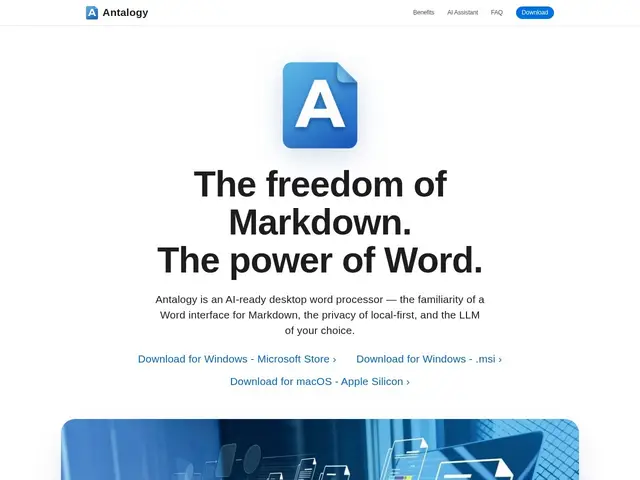
Description
If you've ever wanted the plain-text simplicity of Markdown but missed the toolbar buttons and familiar layout of Microsoft Word, Antalogy tries to give you both. It's a desktop app that looks and feels like a traditional word processor — buttons for bold, headings, lists — but everything you type is saved as clean Markdown under the hood, so your files stay portable and readable in any text editor, not locked into a proprietary format.
Antalogy runs natively on Windows and macOS, converts .docx files to Markdown in one click while preserving formatting, and includes built-in navigation, search, and Mermaid diagram rendering. Its AI assistant isn't tied to a single vendor: it can connect to any OpenAI-compatible endpoint, whether that's a hosted API, a self-hosted model, or an on-premises deployment, and the app is built local-first with zero telemetry, so nothing about your documents needs to touch a company's servers unless you point it at a cloud model yourself.
💬 Our review
The short version: Antalogy is a solid pick if you want to write in Markdown without giving up the muscle memory of a Word-style toolbar, and its willingness to plug into any OpenAI-compatible LLM (including local ones) makes it noticeably more privacy-conscious than most AI writing tools.
Compared to Markdown editors like Typora or Obsidian, Antalogy leans harder into the "looks like Word" angle, which will appeal to people who find raw Markdown editors intimidating but still want portable, plain-text files. Against AI writing assistants like Notion AI or Google Docs' Gemini integration, its big differentiator is that you're not stuck with one AI provider or forced to send your text to a single company's cloud — you choose the model. The tradeoffs are real, though: it's maintained by an independent developer in what looks like bootstrap mode, without the polish, roadmap certainty, or long-term support guarantees of a funded product, and pricing isn't stated anywhere on the homepage, which is unusual even for free/open tools. If local-first privacy and LLM flexibility matter more to you than a mature ecosystem, it's worth trying; if you need enterprise support commitments, look elsewhere for now.
💰 Pricing
📊 Global score
🤖 AI-enriched data
Aucun prix affiché sur le site ; semble gratuit ou en mode bootstrap/open.
Pros
Interface façon Word pour éditer du Markdown sans friction
Compatible avec n'importe quel LLM OpenAI-compatible (local ou cloud)
100% local-first, zéro télémétrie
Cons
Projet indépendant en bootstrap, pas de garantie de support
Aucun prix affiché
Nécessite de configurer soi-même le LLM pour les fonctions IA