SSH Session Monitor
A free, passive tool that reconstructs SSH session activity — including commands — from Windows OpenSSH event logs.
🔗 Visit SSH Session Monitor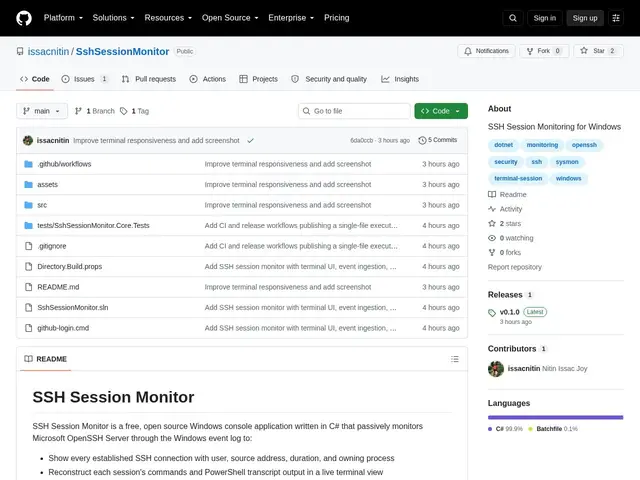
Description
Windows servers running OpenSSH don't give administrators much visibility into who's actually connecting and what they're doing once they're in — the built-in event logs exist, but reading raw event log entries to reconstruct a session is not exactly practical. SSH Session Monitor turns those Windows event logs into something usable: it passively watches Microsoft OpenSSH Server's logs and reconstructs SSH session activity, showing active connections with the user, source address, and duration, and even rebuilding the commands and PowerShell output from a session.
It's explicitly read-only and passive — it never intercepts credentials or interferes with connections — and persists normalized events to a local SQLite database with bookmarking, so you can review history later. It supports Windows 10/11 and Windows Server 2019+, and is free and open source.
💬 Our review
The short version: a useful, narrowly-scoped auditing tool if you're running Windows OpenSSH Server and currently have zero visibility into session activity beyond raw event logs — free and passive, so low risk to add.
There's no direct Windows-native equivalent that does quite this — Linux admins have long had tools like auditd for this kind of session reconstruction, and enterprise environments typically reach for commercial PAM (privileged access management) platforms like CyberArk, which cost real money and do far more (credential vaulting, session recording, policy enforcement) than this tool's scope. SSH Session Monitor is a much lighter, free alternative if all you need is visibility and command reconstruction — it won't replace a full PAM solution for regulated environments, but it's a solid free first step for smaller Windows shops.
💰 Pricing
📊 Global score
🤖 AI-enriched data
Open source, sans coût.
Pros
Reconstruit l'activité complète de session depuis les journaux Windows, y compris les commandes
Passif et lecture seule, n'intercepte jamais les identifiants
Gratuit, open source, stockage local SQLite
Compatible Windows 10/11 et Server 2019+
Cons
Aucune application de politique ni coffre-fort d'identifiants comme un PAM commercial
Windows uniquement, pas d'équivalent pour environnements mixtes
Petit projet, support communautaire limité face aux outils d'entreprise