BumbleTap
A no-code browser extension that lets you bind any keystroke to a click or a full automation sequence on any website.
🔗 Visit BumbleTap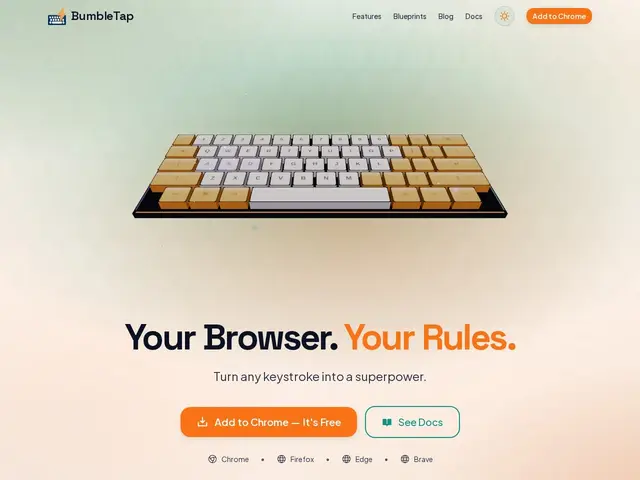
Description
Some websites make you click through the same three menus every single day, and there's rarely a way to fix that without writing your own browser extension. BumbleTap turns that into something anyone can do: it's a browser extension that lets you point at any element on any website and assign it a keyboard shortcut, without writing a line of code — press the key, the click happens.
Beyond simple shortcut-to-click mapping, it supports full automation sequences (multiple actions triggered by one keystroke or an on-page-load event), conditional logic, repeat-on-hold behavior, and per-site configuration using URL patterns so your shortcuts only fire where you want them. It works across Chrome, Firefox, Edge, and Brave, includes conflict detection against existing browser shortcuts, and lets you import/export your configurations. It's free with no premium tier mentioned.
💬 Our review
The short version: a genuinely handy productivity extension if you have a handful of websites you use constantly and are tired of the same repetitive clicks — the visual, no-code element picker is what makes it approachable versus writing your own script.
Compared to a scripting-based approach (Tampermonkey + custom JS, or desktop automation via AutoHotkey), BumbleTap trades raw flexibility for accessibility — you don't need to know JavaScript, but you're also limited to what the visual picker and conditional-workflow system can express. Browser extensions like Vimium solve a narrower problem (keyboard-only navigation); BumbleTap's per-element, per-site custom shortcuts are more general-purpose. Free and multi-browser makes it low-risk to try; power users who already script their own Tampermonkey solutions may not gain much by switching.
💰 Pricing
📊 Global score
🤖 AI-enriched data
Modèle 'gratuit pour toujours', aucun palier payant identifié.
Pros
Sélecteur d'élément visuel, aucun code requis
Séquences d'automatisation complètes, pas seulement un raccourci simple
Configuration par site via motifs d'URL, détection de conflits
Fonctionne sur Chrome, Firefox, Edge, Brave ; gratuit sans palier payant
Cons
Moins flexible qu'un script sur-mesure pour les utilisateurs avancés
Extension navigateur uniquement, ne couvre pas les apps de bureau
Aucune feuille de route publique pour un futur palier payant