Weavit UI
A free, open-source cross-platform desktop GUI for the Weaviate vector database with collection browsing, search, and management capabilities.
🔗 Visit Weavit UI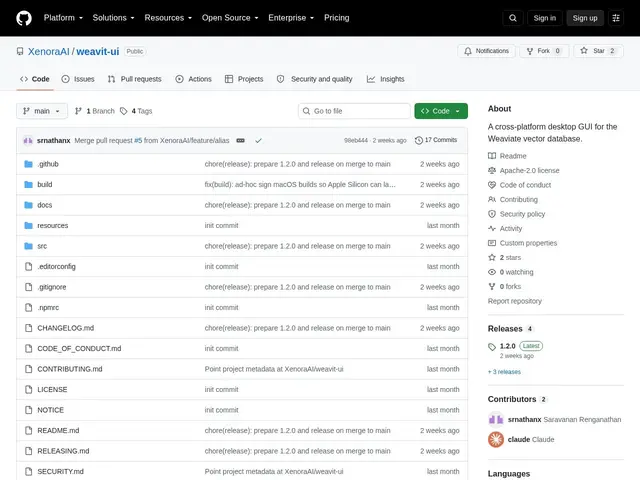
Description
If you use Weaviate as your vector database — the kind of database that powers AI search, chatbots, and recommendation tools — you normally manage it through code or command-line tools, which is slow for everyday tasks like browsing your data or testing a search. Weavit UI is a free desktop application that puts a proper visual interface on top of Weaviate, letting you look through your collections, inspect records, and run searches by clicking around instead of writing scripts. It installs like a normal app on Mac, Windows, or Linux, making it a friendlier way to keep tabs on a database that otherwise lives entirely behind an API.
Under the hood, Weavit UI is a cross-platform desktop client built on the official weaviate-client library, offering schema and collection management, a paginated object browser with JSON views, and support for nearText, nearVector, BM25, and hybrid search modes. It also covers operational features that command-line workflows often neglect, including multi-tenancy, backup and restore, collection aliases, access control and RBAC, and cluster monitoring, alongside built-in GraphQL and REST consoles for lower-level queries. The app connects to local, self-hosted, or Weaviate Cloud instances, and ships as prebuilt installers for macOS (Apple Silicon and Intel), Windows, and Linux (AppImage and Debian/Ubuntu packages). It's open source under Apache-2.0 and actively maintained, though it remains an independent project with no official affiliation to Weaviate B.V.
💬 Our review
The short version: if you work with Weaviate regularly and don't want to live in the CLI or write throwaway scripts just to peek at your data, Weavit UI is a solid, no-cost desktop client — it's not flashy, but it covers the essentials well and doesn't get in your way.
Weaviate already ships a free official web console, Weaviate Studio, so Weavit UI isn't filling a total void — it's competing with a browser tab. The real case for it is being a native desktop app: no tab to lose, faster for repeated local work, and built as an independent open-source project rather than a first-party tool tied to Weaviate B.V.'s own roadmap and priorities. That independence cuts both ways — it means development pace and feature parity depend entirely on a third-party maintainer rather than the vendor, so if you need guaranteed long-term support, the official console is the safer bet. For day-to-day browsing, searching, and admin tasks across macOS, Windows, and Linux, though, Weavit UI is the more pleasant tool to actually live in.
💰 Pricing
📊 Global score
🤖 AI-enriched data
Gratuit, licence Apache-2.0.
Pros
Gratuit et open source (licence Apache-2.0)
Application native multi-plateforme (macOS, Windows, Linux)
Fonctionnalités avancées : multi-tenancy, sauvegarde/restauration, RBAC, monitoring de cluster
Indépendant de Weaviate B.V. : pas de dépendance à leur feuille de route officielle
Cons
Non affilié à Weaviate B.V. — dépend du maintien continu d'un projet tiers
Communauté et documentation plus restreintes qu'une console officielle
Nécessite une installation locale, contrairement à la console web accessible partout
Rythme des évolutions dépendant d'un mainteneur indépendant, pas de la roadmap officielle de Weaviate