AVE
A Mac video editor that keeps all your footage and edits on your own computer, while letting you ask an AI to find the right clips and build a rough cut for you.
🔗 Visit AVE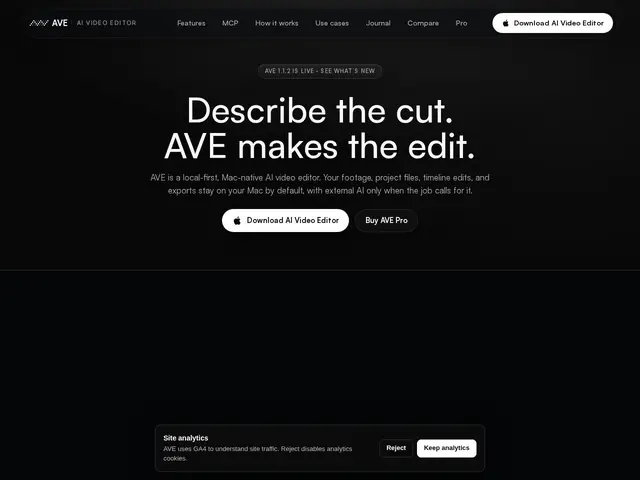
Description
A lot of AI video tools want you to upload your footage to their servers, which is a dealbreaker if you're working with client material or just don't want gigabytes of raw video living in someone else's cloud. AVE (AI Video Editor) is built the other way around: it's a real Mac app, your footage and projects stay on your machine by default, and the AI features — like finding a clip based on what's said in it, or drafting a first cut — run alongside a normal, full-featured editing timeline rather than replacing it.
AVE, published by TinyThings, targets Apple Silicon Macs (M1 and later) and combines a traditional non-linear editor — ripple/roll/slip trimming, transitions, captions, audio automation — with AI-assisted features like transcript and visual search across footage, "Footage Memory" that recognizes recurring people and places, and Ask/Plan modes where you describe an edit and the AI proposes or executes it on the timeline. It also connects to external generative AI providers (Google Veo and Nano Banana, Runway, Luma, Kling, fal.ai, Seedance) for generative shots, and integrates with Claude Code and Codex CLI for scripting workflows. Pricing is a free tier for basic editing plus a one-time AVE Pro Lifetime purchase at $79 that unlocks the full agentic feature set — no subscription.
💬 Our review
The short version: if you're a Mac editor who wants AI assistance without giving up local control of your footage or committing to a subscription, AVE's $79 lifetime price for Pro is a genuinely good deal in a market full of monthly fees.
AVE competes with both traditional NLEs like DaVinci Resolve (free, but no AI-native workflow) and AI-first editors like Descript, OpusClip, or CapCut, most of which are cloud-based and subscription-priced. AVE's real differentiator is local-first architecture combined with a real timeline — it's not just a captioning or clip-finding tool bolted onto a chat interface, it's a full editor that happens to have AI search and AI-assisted cuts built in. The Mac-only, Apple Silicon-only requirement is a hard limit if you're on Windows or an older Intel Mac, and it's going up against DaVinci Resolve's free tier, which is a very high bar on raw editing power even without the AI layer. For a Mac-based editor who values privacy and a one-time cost over subscriptions, AVE is worth the $79; for cross-platform teams or anyone who needs the absolute deepest color/audio tools, DaVinci Resolve or Premiere remain the safer default.
💰 Pricing
📊 Global score
🤖 AI-enriched data
Gratuit pour le montage de base ; AVE Pro Lifetime à 79 $ en achat unique (pas d'abonnement), débloque les fonctions IA agentiques complètes
Pros
Local-first : projets et exports restent sur la machine par défaut
Combine timeline de montage traditionnelle complète et fonctions IA (recherche par transcript, mémoire de rushs)
Achat unique à 79 $ à vie, pas d'abonnement
Cons
Réservé à Mac Apple Silicon (M1 et plus récent), rien pour Windows ou Intel Mac
Doit rivaliser avec DaVinci Resolve, gratuit et très complet sur le montage pur
Marché des éditeurs IA vidéo très encombré (Descript, CapCut, OpusClip)