Plow Latch
A macOS utility that gives an AI agent hands-on control of your Mac — browser, terminal, files, saved logins — while keeping data local and access scoped to only what it needs.
🔗 Visit Plow Latch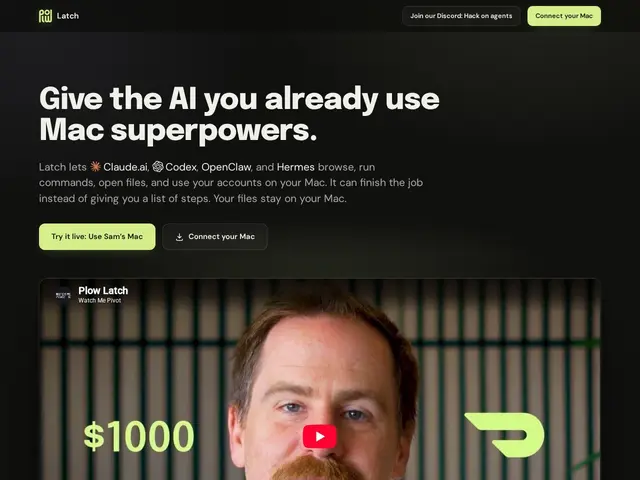
Description
AI assistants are increasingly good at telling you what to do on your computer, but actually letting one click buttons, fill in your saved passwords, or run terminal commands raises an obvious question: how much should it be allowed to touch? Plow Latch is built around that question. It's a macOS app that gives an AI agent real, hands-on control of your Mac — while keeping everything local and limiting the agent to exactly the tools and credentials it needs, nothing extra.
Latch runs entirely on-device, so private data never leaves your machine, and it can fill in saved passwords without ever exposing them to the agent itself. Every request and decision is logged and visible, giving you a running record of what the agent actually did. Setup is meant to be simple: download Latch, copy your Mac's MCP link, and paste it into any MCP-compatible agent — Claude and others — with no complex configuration. It's built by The Plow Collective PBC, and pricing isn't disclosed on the public site at the time of writing.
💬 Our review
The short version: if you want an AI agent to actually do things on your Mac — not just suggest them — but you're (rightly) nervous about handing over unrestricted access, Latch's scoped, local-first approach is a sensible way to try that without the usual security anxiety.
Compared to giving an agent broad, unscoped system access (or using a cloud-based computer-use agent that ships your screen and actions off-device), Latch's local-only, credential-scoped design is a meaningfully more conservative approach — the tradeoff most "agent controls your computer" tools make is convenience for exposure, and Latch is explicitly built to minimize that exposure instead. Because pricing isn't public, it's hard to judge value directly, but the core promise — local execution, scoped credentials, a visible audit log — is exactly the kind of safety net that's currently missing from a lot of computer-use agent tooling, so it's worth trying for anyone already using MCP-compatible agents like Claude who's been holding back on giving them real Mac access.
💰 Pricing
📊 Global score
🤖 AI-enriched data
Tarification non publiée sur le site au moment de la fiche.
Pros
Fonctionne 100% en local, données jamais envoyées ailleurs
Accès restreint aux seuls identifiants et outils nécessaires
Remplit les mots de passe sans jamais les exposer à l'agent
Journal visible de chaque requête et décision
Compatible avec tout agent MCP (Claude et autres)
Cons
Tarification non publiée
macOS uniquement, aucune version Windows/Linux
Nécessite un agent compatible MCP en amont
Documentation publique limitée au moment de la fiche