Starship
A minimal, fast, and highly customizable shell prompt that works identically across bash, zsh, fish, PowerShell and more, showing context like git status, language versions and more.
🔗 Visit Starship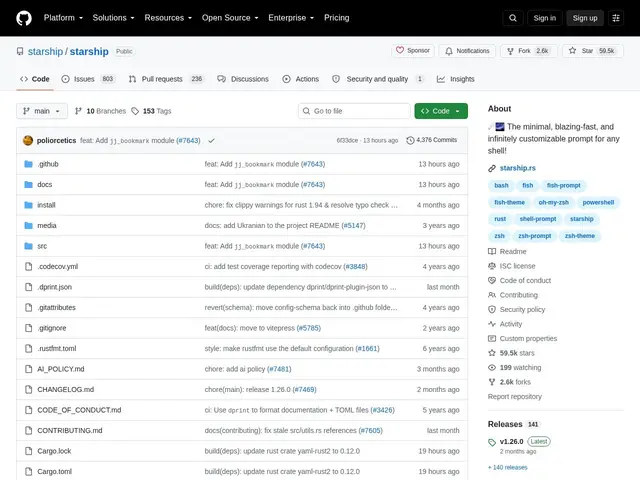
Description
A shell prompt is the small line of text you see before every command, and by default most shells show almost nothing useful — just your username and current folder. Starship replaces that with a smart prompt that shows exactly what's relevant to where you are: it can show your git branch and status in a git repo, which Python or Node version is active, whether a command failed, and much more, updating instantly as you move around.
Starship works identically across bash, zsh, fish, PowerShell, nushell and other shells, so switching shells or machines doesn't mean relearning a different prompt config. It's context-aware (only showing relevant modules, like language versions, when you're actually in a matching project), highly customizable via a single TOML config file, and built in Rust for near-instant rendering even with many modules enabled. It's free and open source under the ISC license, with 59.6k GitHub stars and very active development.
💬 Our review
The short version: starship gives you a genuinely useful, context-aware prompt — git branch, language versions, command status — that looks and works the same no matter which shell or machine you're on, set up with one config file.
Against older prompt frameworks like oh-my-zsh's themes or spaceship-prompt, starship's biggest advantage is being shell-agnostic: the same starship.toml config produces an identical prompt in bash, zsh, fish or PowerShell, so you're not maintaining separate configs per shell or relearning a new theme system each time you switch. Its Rust implementation also means it stays fast even with many modules active, avoiding the noticeable prompt lag some older frameworks introduce as they grow more feature-rich. The main friction is a genuine one-time investment in customizing the TOML config to your liking, though the defaults are already sensible out of the box. For anyone who works across multiple shells or machines, it's close to a no-brainer, and it's completely free.
💰 Pricing
📊 Global score
🤖 AI-enriched data
Projet open source (licence ISC), aucune offre payante
Pros
Fonctionne à l'identique sur bash, zsh, fish, PowerShell et plus
Prompt contextuel (git, versions de langages, statut de commande)
Configuration unique via un seul fichier TOML
Rendu quasi instantané grâce à Rust
59 600+ étoiles, développement très actif
Cons
Investissement initial pour personnaliser le fichier de configuration
Nécessite l'installation d'un binaire Rust ou son téléchargement précompilé
801 issues ouvertes témoignant d'une maintenance continue mais chargée