eza
A modern, actively maintained replacement for the 'ls' command, adding colors, icons, git status, and a built-in tree view to your file listings.
🔗 Visit eza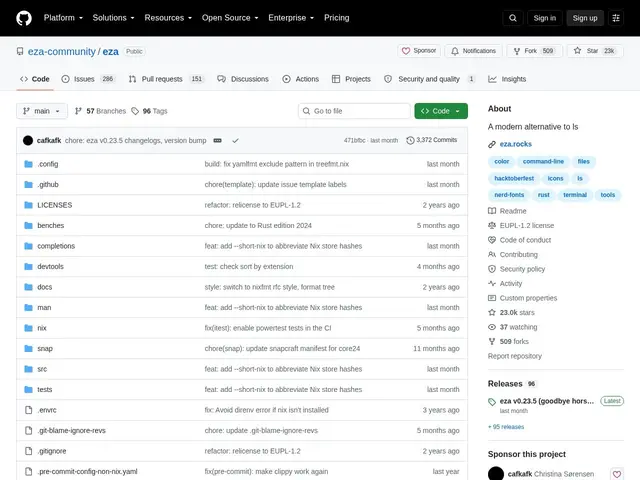
Description
The 'ls' command has barely changed in decades — it lists files, but tells you nothing about whether they're tracked by git, and its output is plain black-and-white text. eza is a drop-in replacement that keeps the same basic idea (list files in a directory) but adds the visual context you'd expect from a modern tool: color-coding by file type, git status right next to each file, and an optional tree view for exploring subdirectories without switching commands.
eza supports color-coded output, symlink awareness, git integration showing per-file repository status, hyperlink support, tree view, grid and long-view display modes, customizable themes, and human-readable dates. It's a community-maintained continuation of the popular but now-unmaintained 'exa' project, actively fixing longstanding bugs and adding features. Free and open source under the EUPL-1.2 license, written in Rust, with 23k+ GitHub stars.
💬 Our review
The short version: eza is what you'd get if 'ls' were redesigned today — the same basic listing you already know, but with color, git status, and a tree view built in, so you often don't need a separate command for those.
Against plain ls, the value is almost entirely about information density and readability — you see file types and git changes at a glance instead of running git status separately. Against its predecessor exa, which is unmaintained and has known long-standing bugs like inconsistent grid rendering, eza is the actively developed successor and the safer choice today — if you find tutorials referencing exa, eza is a compatible drop-in replacement. It can be marginally slower than native ls on very large directory listings, which is rarely noticeable in everyday use. For any developer who spends time in a terminal, replacing ls with eza is a low-effort, no-cost upgrade.
💰 Pricing
📊 Global score
🤖 AI-enriched data
Projet open source (licence EUPL-1.2), aucune offre payante
Pros
Coloration par type de fichier et intégration git native
Vue arborescente intégrée (tree view)
Multiples modes d'affichage (grille, liste longue, une ligne)
Successeur activement maintenu du projet exa abandonné
23 000+ étoiles, développement actif
Cons
Peut être légèrement plus lent que ls natif sur de très grands répertoires
Nécessite une installation séparée (pas préinstallé)
Courbe d'apprentissage pour les nouvelles options de commande