Zellij
A terminal multiplexer — like tmux — that lets you split your terminal into multiple panes and tabs, with modern additions like floating panes, a plugin system, and built-in collaborative sessions.
🔗 Visit Zellij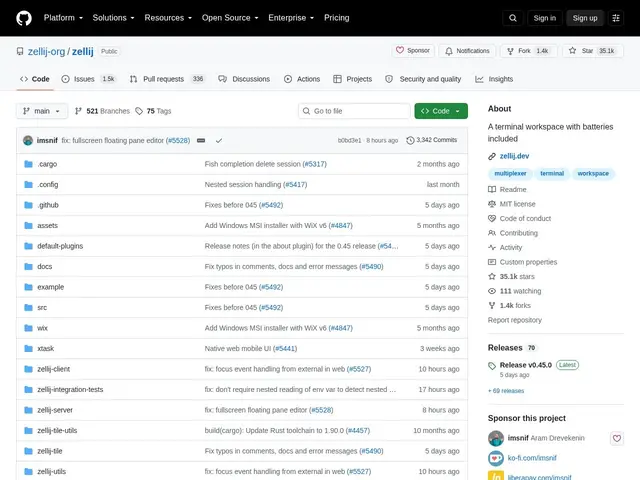
Description
If you've never used a terminal multiplexer, imagine being able to split one terminal window into several independent panes — one running your editor, one showing logs, one for a shell — and detach from the whole session without losing anything, even if you close your laptop. Zellij does exactly that, but designed to be easier to pick up than older tools like tmux, with sensible defaults and on-screen hints for beginners.
Zellij offers floating and stacked pane layouts, deeply customizable layout files, a WebAssembly-based plugin architecture for extending its functionality, a built-in web client for browser-based access, and native multiplayer support so multiple people can share and interact with the same terminal session. It's written in Rust, MIT-licensed, free, and has 35.1k GitHub stars with a very active community.
💬 Our review
The short version: zellij gives you the same core value as tmux — persistent, splittable terminal sessions — but with a friendlier learning curve, built-in collaboration, and a plugin system that doesn't require learning a separate config language.
Against tmux, the tradeoff is ecosystem size — tmux has two decades of plugins, tutorials, and muscle-memory keybindings baked into countless workflows, while zellij's plugin ecosystem is newer and smaller. What zellij offers in return is real collaboration (multiple people literally sharing a live pane, not just watching read-only), a web client so you can reach a session from a browser, and floating panes that feel closer to a lightweight window manager than a rigid grid. For teams that pair-program over a shared terminal or for anyone who found tmux's configuration intimidating, zellij is worth the switch; long-time tmux users with heavily customized setups have less to gain immediately.
💰 Pricing
📊 Global score
🤖 AI-enriched data
Projet open source (licence MIT), aucune offre payante
Pros
Panneaux flottants et empilables pour une mise en page flexible
Sessions collaboratives multi-utilisateurs natives
Architecture de plugins WebAssembly extensible
Client web intégré accessible depuis un navigateur
35 100+ étoiles, communauté très active
Cons
Écosystème de plugins plus restreint que tmux
Courbe d'apprentissage pour la personnalisation avancée
Client web nécessite une configuration additionnelle