Duf
A colorful, modern replacement for the 'df' command that shows disk and filesystem usage in clearly formatted, sortable, filterable tables.
🔗 Visit Duf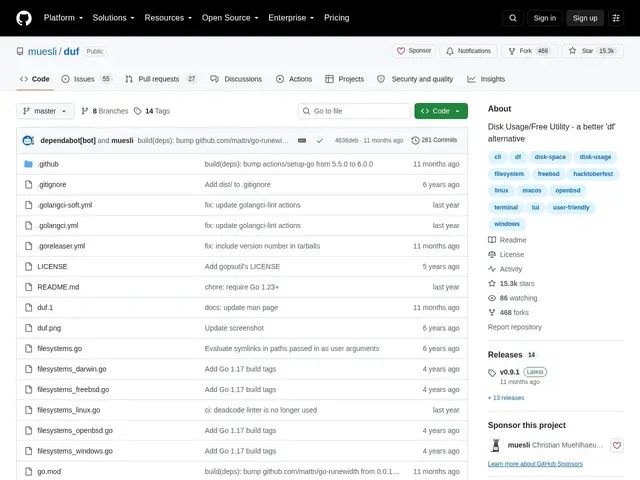
Description
Checking how much disk space is left with the classic 'df' command usually means squinting at misaligned columns of raw numbers. Duf fixes the presentation problem: it shows the exact same filesystem information, but as clean, color-coded tables that make it immediately obvious which drive or mount is nearly full.
Duf displays disk usage sorted by mountpoint, size, usage or type, with filtering for local, network, FUSE, special, loop or bind filesystems, optional inode reporting, JSON export for scripting, and colors that adapt to your terminal theme and width. It's written in Go, cross-platform (Linux, BSD, macOS, Windows, Android/Termux), and free under the MIT license, with 15.3k GitHub stars.
💬 Our review
The short version: if 'df -h' output is hard to scan at a glance, duf gives you the same data as a readable, color-coded table with sorting and filtering built in — no more mental math on columns.
Against plain df, duf's entire value is presentation and filtering: same underlying data, dramatically easier to read, plus the ability to isolate just local disks or just network mounts. Against ncdu, which focuses on drilling into which directories are eating space, duf stays at the filesystem/mountpoint level — the two tools solve different questions and pair well together (duf to spot a full disk, ncdu to find what's filling it). It's view-only, so it won't help you clean anything up, but for a fast, readable snapshot of disk usage across mounts it's a clear upgrade over the stock df, and being free with no setup required, there's no reason not to swap it in.
💰 Pricing
📊 Global score
🤖 AI-enriched data
Projet open source (licence MIT), aucune offre payante
Pros
Sortie colorée et lisible remplaçant les colonnes brutes de df
Tri et filtrage par type de système de fichiers
Export JSON pour scripts et automatisation
Multiplateforme (Linux, BSD, macOS, Windows, Termux)
15 300+ étoiles, activement maintenu
Cons
Uniquement en ligne de commande, pas d'interface graphique
Nécessite Go 1.23+ pour compiler depuis les sources
Ne fait qu'afficher l'usage, pas de nettoyage intégré