Bandwhich
A terminal tool that shows which processes and remote connections are using your network bandwidth right now, updating live and resolving IPs to hostnames.
🔗 Visit Bandwhich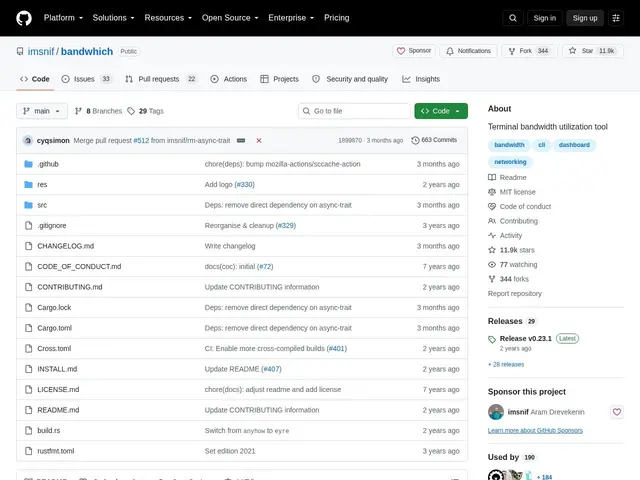
Description
When your internet feels slow, the usual question is 'what's hogging my bandwidth?' — and most operating systems don't make that easy to answer. Bandwhich answers it directly in the terminal: it shows, in real time, exactly which running program is sending or receiving data, how much, and to which remote address, without needing to install any monitoring dashboard.
Bandwhich breaks down bandwidth usage by process, by individual connection, and by remote IP or resolved hostname, with a terminal UI that adapts its layout automatically. It supports reverse DNS resolution to show readable hostnames instead of raw IPs, a raw machine-readable output mode for scripting, and configurable units (bits/bytes, SI/binary). It's cross-platform (Linux, macOS, Windows, Android) and free under the MIT license, with 11.9k GitHub stars.
💬 Our review
The short version: instead of guessing which app or process is saturating your connection, bandwhich shows you a live, sortable breakdown by process and remote host the moment you run it, with zero configuration.
Against classic tools like nethogs or iftop, bandwhich's advantage is combining both process-level and connection-level views in one screen with automatic hostname resolution, so you don't need two separate tools to answer 'which process' and 'which server'. It requires root or admin privileges to capture traffic, which is a minor friction on shared or restricted machines. The project is well-established (11.9k stars) but is currently in passive maintenance — the maintainers are addressing critical issues but not actively shipping new features, and are looking for co-maintainers, which is worth knowing if you're relying on it long-term. For a one-off 'what's using my bandwidth' check or ongoing lightweight monitoring on your own machine, it remains one of the fastest ways to get an answer.
💰 Pricing
📊 Global score
🤖 AI-enriched data
Projet open source (licence MIT), aucune offre payante
Pros
Vue combinée par processus et par connexion/IP distante
Résolution DNS inverse pour des noms d'hôtes lisibles
Mode de sortie brute exploitable par script
Multiplateforme (Linux, macOS, Windows, Android)
11 900+ étoiles, licence MIT permissive
Cons
Nécessite des privilèges root/administrateur
Maintenance passive : pas de nouvelles fonctionnalités prévues
Résolution DNS inverse en best-effort, peut échouer