git-delta
Replaces git's plain-text diff output with a syntax-highlighted, side-by-side view that shows exactly which words changed inside a line, not just which lines.
🔗 Visit git-delta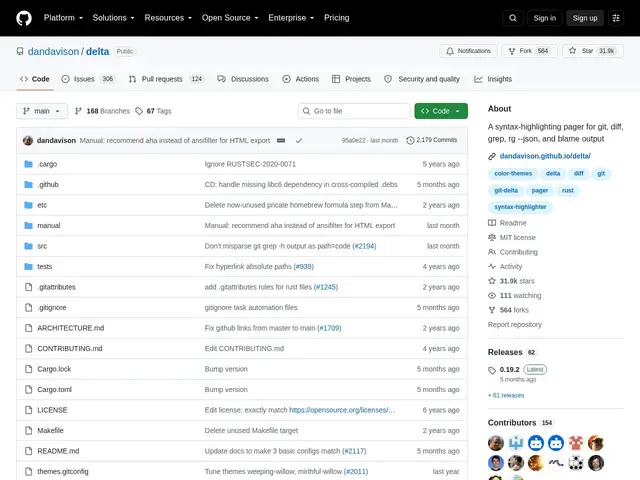
Description
Git's default diff view shows changed lines in green and red, but it's plain text with no syntax highlighting and no indication of exactly which characters inside a line changed — a one-word edit looks identical to a full rewrite of that line. delta replaces that view: it acts as a pager for `git diff`, `grep` and `blame` that adds language-aware syntax highlighting and highlights the specific words that changed within a line, optionally side by side.
delta uses the same syntax themes as the popular `bat` file viewer, highlights word-level changes using a Levenshtein-based algorithm, supports side-by-side display with automatic wrapping, line numbering, quick file navigation, merge conflict formatting, and clickable hyperlinks to GitHub, GitLab, SourceHut or Codeberg. It can also emulate diff-highlight or diff-so-fancy output styles and auto-detects light/dark terminal themes. It's free and open source, with 31,900+ GitHub stars, two active maintainers and steady development.
💬 Our review
The short version: if you've ever stared at a git diff trying to figure out what actually changed inside a line, delta's word-level highlighting and side-by-side view answers that question at a glance instead of making you read character by character.
Against git's default pager, delta's advantage is precision: word-level diffing means a single renamed variable shows up as a small highlighted change rather than the whole line looking rewritten, which meaningfully speeds up code review. Against older tools like diff-highlight or diff-so-fancy, delta adds proper syntax highlighting (reusing bat's themes) and a genuine side-by-side mode, and it can even emulate those older tools' styles if you prefer their look. Setup does require a bit of `.gitconfig` configuration to wire it in as your pager, which is a small one-time friction cost. With nearly 32k stars and two active maintainers, it's clearly a mature, trusted tool rather than an experiment. Strongly recommended for any developer who reads diffs regularly — which is to say, any developer using git; the setup time pays for itself the first time you review a real change.
💰 Pricing
📊 Global score
🤖 AI-enriched data
Projet open source, aucune offre payante
Pros
Surlignage au niveau du mot, pas seulement de la ligne
Coloration syntaxique réutilisant les thèmes de bat
Vue côte-à-côte avec retour à la ligne automatique
Liens cliquables vers GitHub/GitLab/SourceHut/Codeberg
31 900+ étoiles, deux mainteneurs actifs
Cons
Nécessite une configuration initiale du .gitconfig
Compilation Rust ou installation via binaire pré-compilé requise
Support Windows moins documenté que Linux/macOS