csvlens
A command-line tool for browsing large CSV files without opening Excel or loading them into a script — like the `less` pager, but built for spreadsheet data.
🔗 Visit csvlens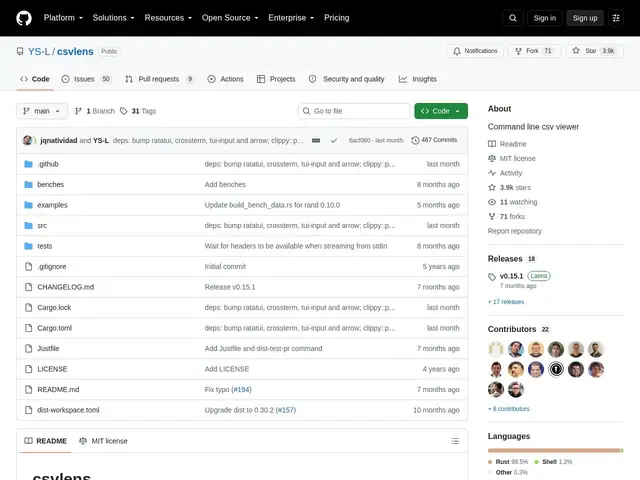
Description
Opening a multi-gigabyte CSV file in Excel or Google Sheets is slow or simply impossible, and writing a quick Python script just to peek at a few rows is overkill for a one-off check. csvlens fills that gap: it opens instantly in the terminal, lets you scroll, search and filter a CSV the same way you'd page through a log file with `less`, without ever loading the whole file into a spreadsheet app.
csvlens offers vim-style keybindings (hjkl and arrows) for navigation, regex search with highlighting, row/column/cell filtering, multiple selection modes, column freezing and width adjustment, natural-language-aware sorting, and clipboard integration. It auto-detects the delimiter and color-codes columns for readability. It's free, open source (MIT), written in Rust, and available through Homebrew, winget, Cargo and several BSD/Linux package managers, with 3.9k GitHub stars and active maintenance.
💬 Our review
The short version: if you regularly need to peek inside a CSV file on a server or in a terminal without firing up Excel, csvlens turns that into a fast, searchable, vim-navigable experience instead of a clumsy `head`/`cat` workaround.
Its real advantage over Excel or Google Sheets is that it never has to load the entire file into memory as a spreadsheet — you can open something far too large for Excel and scroll through it instantly, which matters for log exports, database dumps, or any large tabular data you just need to inspect rather than edit. Against a tool like `less` itself, csvlens understands CSV structure (columns, delimiters, headers) instead of treating it as flat text, so filtering and column operations actually make sense. It's a viewer, not an editor or analysis tool — for actual transformations you'd reach for something like Miller or pandas. Great for developers, sysadmins and data folks who need to quickly inspect CSV data over SSH or in a terminal workflow; not a replacement for a spreadsheet app when you need to actually edit and save the data.
💰 Pricing
📊 Global score
🤖 AI-enriched data
Projet open source (licence MIT), aucune offre payante
Pros
Ouvre instantanément des CSV trop volumineux pour Excel
Navigation vim-style, recherche regex avec surlignage
Filtrage par ligne/colonne/cellule, tri intelligent
Détection automatique du délimiteur
Cons
Uniquement un visualiseur, pas d'édition ni de transformation de données
Interface terminal uniquement
Nécessite une familiarité avec la ligne de commande