Lucid Train
A tool that reads your codebase and automatically draws the architecture diagram, instead of you keeping one manually up to date in a separate app.
🔗 Visit Lucid Train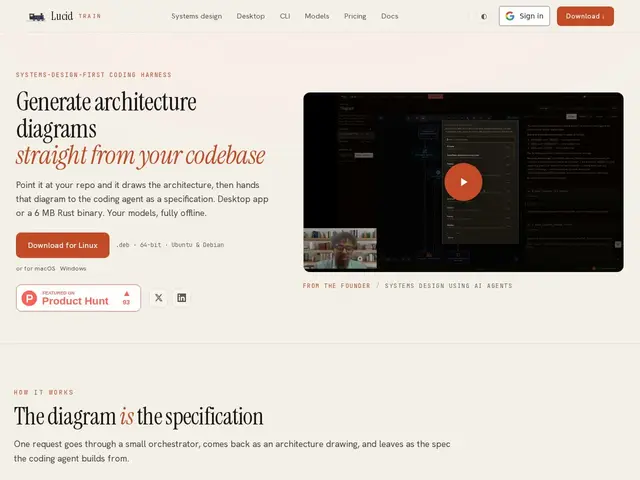
Description
Architecture diagrams are useful for onboarding new engineers and planning changes, but they almost always drift out of date because updating them by hand in a separate tool is easy to forget. Lucid Train tries to fix that by generating the diagram directly from your actual source code, so it reflects what the system really does rather than what someone remembered to draw last quarter — and it can run entirely on your own machine, with your code never leaving it.
Lucid Train is an AI agent that analyzes a codebase in any supported language and produces visual architecture diagrams, offered as a free, open-source CLI plus a paid desktop application ($2.50/month billed annually at $30/year, with a 7-day free trial). It runs fully offline using local Ollama models, so no code is sent to an external API, and supports multi-project workspaces with individual agent sidecars, a design mode for rapid prototyping, a code audit spanning nine ecosystems, and integrations with Grafana dashboards and MCP servers. It also includes a coding agent that can turn a diagram into implementation specifications. There's no usage-based billing — the desktop app is a flat low-cost subscription with no per-request API fees.
💬 Our review
The short version: if you want an architecture diagram that stays true to your actual codebase without paying per-API-call or sending your source code to a third party, Lucid Train's free open-source CLI plus $30/year desktop app is a genuinely inexpensive, privacy-conscious way to get it.
Most AI coding-assistant features that generate diagrams run through a cloud API and bill per request, which gets expensive fast on a large codebase and requires sending your code externally. Lucid Train's offline-first design — local Ollama models, no usage-based fees — sidesteps both problems, and the $30/year desktop pricing is unusually cheap for a tool with multi-project workspaces and Grafana/MCP integration. The tradeoff is that running models locally needs real machine resources, and generation quality will depend on which local model you have set up rather than a always-current frontier API model. The CLI being free and open source is a strong signal of confidence and a low-risk way to try it before paying for the desktop app. Well suited to engineers and teams who prioritize offline/privacy-first tooling and predictable flat pricing over the latest cloud model quality; less ideal if you want zero setup and are fine paying per API call for a hosted, always-current model.
💰 Pricing
📊 Global score
🤖 AI-enriched data
CLI gratuit et open source ; application desktop $2.50/mois facturé annuellement ($30/an), essai gratuit de 7 jours, aucun frais à l'usage
Pros
CLI gratuite et open source avec agent complet
Fonctionne entièrement hors ligne — le code ne quitte jamais la machine
Application desktop très abordable ($30/an)
Aucune facturation à l'usage ni dépendance à une API externe
Supporte plusieurs langages et s'intègre à Grafana et aux serveurs MCP
Cons
Application desktop nécessite un abonnement, même minime
Nécessite des ressources machine locales pour exécuter les modèles
Page /about non accessible — peu d'informations sur l'entreprise