Dropstone
A self-hosted AI coding assistant that remembers past sessions and can act across your terminal, IDE and other tools with a large context window.
🔗 Visit Dropstone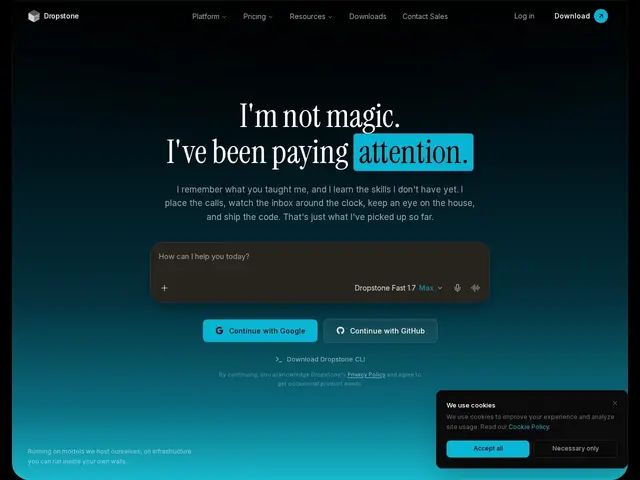
Description
Most AI coding assistants forget everything the moment you close the chat window, which means re-explaining your codebase and preferences every single session. Dropstone's core idea is persistent memory: it remembers what it learned about your project across sessions, whether you're talking to it from the terminal, a chat window, or your phone, and — because you can self-host it — that memory stays under your own control rather than living on someone else's servers.
Technically, Dropstone offers a 1-million-token context window, self-hosted infrastructure, multi-file code editing, GitHub/GitLab integration that can open pull requests, and Model Context Protocol (MCP) support for connecting to databases, APIs and ticketing systems, alongside a VS Code extension and an HTTP API/SDK. Pricing runs Free (limited usage) through Pro ($15/mo) to Max (from $75/mo, priority routing), with enterprise ACH/invoicing support available. The 1M-token context and "4x efficiency" claims come directly from the vendor and haven't been independently benchmarked, so treat them as a starting point for your own testing rather than an established fact.
💬 Our review
The short version: Dropstone is worth evaluating specifically if data privacy or persistent cross-session memory matters more to you than using the single biggest-name coding assistant — the self-hosted option and genuine cross-session memory are real differentiators versus cloud-only tools like GitHub Copilot.
The strength is architectural: self-hosting means your code and context never leave your infrastructure, and MCP support means it can be wired into your existing databases and ticketing systems rather than working in isolation. That combination is relatively rare among AI coding assistants, most of which are cloud-only.
The honest caveat: the headline numbers (1M-token context, 4x efficiency) are vendor claims with no independent benchmark yet, and it's launching into a genuinely crowded field (Cursor, Claude Code, Copilot, Cline) where switching costs and habit matter — run it against your actual codebase before assuming the efficiency claims hold up, and factor in the real setup effort of self-hosting versus a zero-config cloud tool.
💰 Pricing
📊 Global score
🤖 AI-enriched data
Gratuit (usage limité), Pro 15$/mois, Max à partir de 75$/mois, Enterprise sur devis.
Pros
Auto-hébergeable — le code et le contexte restent sous contrôle de l'utilisateur
Mémoire persistante entre sessions (CLI, chat, SDK)
Fenêtre de contexte annoncée à 1 million de tokens
Support MCP pour se connecter à bases de données, API et outils de ticketing
Cons
Chiffres de performance (contexte 1M, efficacité 4x) non vérifiés indépendamment
Marché très concurrentiel (Cursor, Claude Code, Copilot, Cline déjà bien installés)
L'auto-hébergement demande plus d'effort de configuration qu'un outil cloud clé en main