2FAuth
A free, open-source, self-hosted alternative to Google Authenticator — manage and generate your two-factor login codes from a web app you run yourself, on any device with a browser, instead of being tied to one phone.
🔗 Visit 2FAuth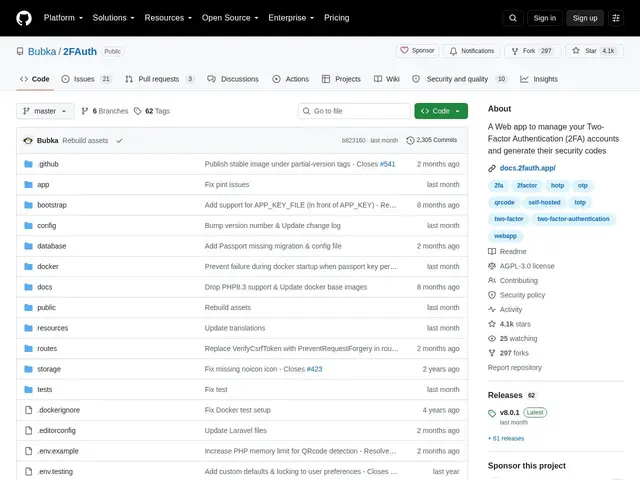
Description
Losing your phone with Google Authenticator installed usually means a stressful scramble to recover access to every account it protected. 2FAuth solves that by moving your two-factor codes off a single device and onto a small web app you host yourself — like keeping your spare keys in a safe you control, reachable from your laptop, tablet or phone, rather than in one pocket that can get lost.
2FAuth is a free, open-source (AGPL-3.0) self-hosted web application for managing 2FA accounts and generating their codes: TOTP, HOTP, and even Steam Guard, fully RFC 4226/6238 compliant. You add accounts by scanning a QR code or entering details manually, organize them into groups, and generate codes from any browser. It supports hardware security keys (YubiKey, Titan) for protecting the vault itself, optional data encryption, auto-logout, and import from Google Authenticator and similar apps if you're migrating away from a phone-only setup.
💬 Our review
The short version: if you've ever worried about losing your phone and getting locked out of every account behind two-factor authentication, 2FAuth is a free, mature, self-hosted way to fix that single point of failure.
Compared to Google Authenticator or Authy, which tie your codes to a single device (or a vendor's cloud), 2FAuth runs as a web app on infrastructure you control — accessible from any browser, and not dependent on one physical phone surviving. Compared to a password manager's built-in TOTP feature (like Bitwarden or 1Password), 2FAuth is narrower and single-purpose: it only does 2FA codes, which some will see as a plus (smaller attack surface, one job done well) and others as a minus if they'd rather have passwords and codes in one place.
The honest limits: self-hosting means you're responsible for keeping the server patched, backed up, and reachable — if your server goes down, so does access to your codes, which is a different failure mode than a phone-based app. It's also licensed AGPL-3.0, so modifying and redistributing it as a network service carries source-disclosure obligations worth knowing about, though that rarely matters for personal use. For anyone already self-hosting other tools who wants 2FA codes independent of one device, it's a strong, free, well-established pick (4,000+ stars); for someone who just wants the simplest possible setup, a password manager's built-in TOTP support may be less to manage.
💰 Pricing
📊 Global score
🤖 AI-enriched data
Open source (licence AGPL-3.0), gratuit et auto-hébergé.
Pros
Codes 2FA accessibles depuis n'importe quel navigateur, pas liés à un seul téléphone
Compatible TOTP, HOTP et Steam Guard, conforme RFC 4226/6238
Support des clés de sécurité matérielles (YubiKey, Titan) pour protéger le coffre
Import direct depuis Google Authenticator et apps similaires
Cons
Auto-hébergement = responsabilité de maintenance, sauvegarde et disponibilité du serveur
Licence AGPLv3 — obligations de divulgation de code pour un usage réseau modifié
Ne gère que les codes 2FA, contrairement à un gestionnaire de mots de passe tout-en-un