Payload CMS
An open-source, code-first Next.js headless CMS and backend framework with REST/GraphQL APIs, visual editing, and multi-tenancy, aimed at developers building real applications, not just editing Markdown files.
🔗 Visit Payload CMS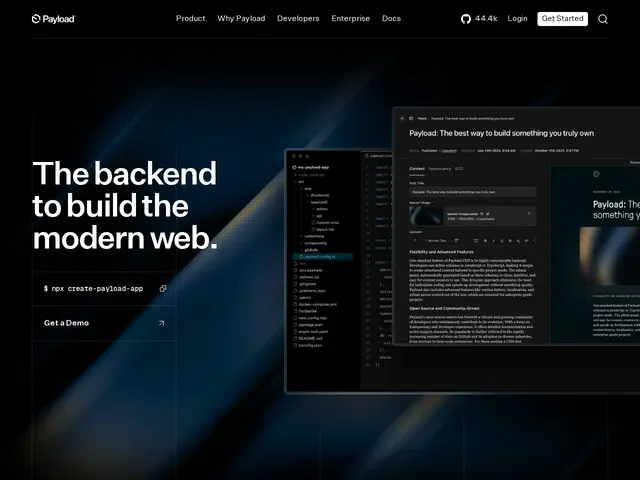
Description
Payload CMS solves a different problem than the git-based Markdown editors in this batch: instead of giving non-developers a form to edit files in a Git repo, it's a full backend framework that developers use to build an application with an admin panel, a database, and APIs already wired up, running natively inside a Next.js project.
Payload is code-first: you define your data model (collections, fields, access control) in TypeScript, and Payload generates a full admin UI, REST and GraphQL APIs, authentication, and publishing workflows from that definition — backed by MongoDB, Postgres, or SQLite. It includes visual/live-preview editing, multi-tenancy and white-labeling for building multi-client or multi-brand platforms, localization, role-based access control, RAG and vector-embedding support for feeding content into AI/search pipelines, and enterprise features like SSO. It's self-hostable and free forever under MIT, with paid Vercel/Cloudflare 'Instant Deploy' hosting tiers and an enterprise sales tier for teams that want a managed platform instead of running the Node.js/database stack themselves. At 44k+ GitHub stars and very active development, it's aimed squarely at teams building real applications — not just marketing sites — where a CMS admin panel is one piece of a larger product.
💬 Our review
The short version: Payload CMS is in a different weight class than Sveltia, Pages CMS, or Sitepins — it's a full backend application framework with a CMS admin panel attached, not a Markdown file editor, and it should be judged against Strapi, Directus, or Sanity, not against the git-based tools in this batch.
The code-first model is the real strength: because your schema is TypeScript, not a config file, you get real type safety, custom access control logic, and the ability to build genuine multi-tenant SaaS products (agencies serving multiple clients from one deployment) rather than just editing content for a single static site. Native Next.js integration and RAG/vector-embedding support for AI pipelines are ahead of most open-source headless CMS competitors on the developer-experience and AI-readiness fronts respectively.
The honest tradeoff is complexity and requirements: you need Node.js 20.9+ and a real database (MongoDB, Postgres, or SQLite), a working knowledge of TypeScript, and it's overkill if all you need is 'let a client edit blog posts on a static site' — that's what the free git-based tools (Sveltia, Pages CMS, Sitepins) are built for, at a fraction of the setup cost.
💰 Pricing
📊 Global score
🤖 AI-enriched data
Auto-hébergement gratuit à vie (MIT) ; paliers hébergés Vercel/Cloudflare 'Instant Deploy' payants ; offre Enterprise sur devis.
Pros
Modèle de données code-first en TypeScript, vraie sécurité de type et logique d'accès custom
Intégration native Next.js, APIs REST + GraphQL générées automatiquement
Multi-tenancy pour bâtir des produits multi-clients, pas juste un site
Support RAG/embeddings pour pipelines IA, SSO enterprise
Cons
Bien plus complexe que les éditeurs git-based de ce lot — nécessite Node.js 20.9+ et une vraie base de données
Surdimensionné pour 'juste laisser un client éditer un blog Markdown'
Courbe d'apprentissage TypeScript/schéma-code plus raide qu'un simple fichier de config