Databuddy
A tiny (~10KB) tracking script that shows you how visitors use your site, without cookies, without a consent banner, and without slowing your page down.
🔗 Visit Databuddy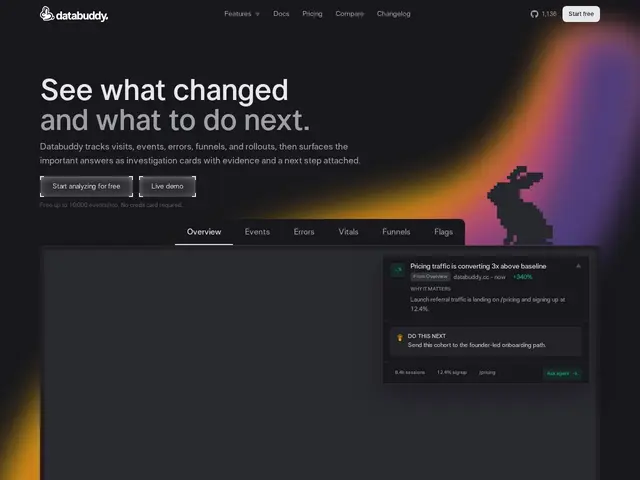
Description
Most analytics tools force a tradeoff: either you get detailed visitor insights and have to show an annoying cookie-consent banner, or you switch to a "privacy-friendly" tool and lose the error-tracking and performance data developers actually need day-to-day. Databuddy tries to close that gap by bundling analytics, error tracking, and page-speed monitoring into one lightweight dashboard, none of it requiring cookies or a consent popup.
Databuddy is a privacy-first analytics platform, GDPR-compliant by default, with a tracking script that adds roughly 10KB gzipped to your page — small enough that it shouldn't meaningfully affect load times. It positions itself directly against Google Analytics 4, PostHog, and Plausible: lighter and more privacy-conscious than GA4, but also folding in error tracking and web vitals that pure analytics-only tools like Plausible don't cover. Pricing is usage-based by monthly event count, with a free tier covering 10,000 events/month.
💬 Our review
The short version: Databuddy is a reasonable pick if you want analytics, error tracking, and web vitals in one place without cookie-consent overhead, and the free tier (10,000 events/month) is enough to evaluate it on a small site before paying anything.
Against Plausible, the most established privacy-first analytics tool, Databuddy's bundled error tracking and web vitals are the real differentiator — Plausible is analytics-only, so pairing it with Sentry for errors means running two tools and two bills. Against PostHog, which offers far more depth (session replays, feature flags, A/B testing) but is heavier and more complex to configure, Databuddy is the simpler, lighter-weight option — the right call if you want the basics done well rather than a full product-analytics suite. The pricing tiers are steep per-event once you're past the free tier ($9.99/month for just 30,000 events), so a site with meaningful traffic should model expected event volume carefully before committing, since it can climb into PostHog's price range without PostHog's feature depth.
💰 Pricing
📊 Global score
🤖 AI-enriched data
Gratuit (10k événements/mois) ; Hobby 9,99$/mois ; Pro 49,99$/mois (1M événements) ; Enterprise sur devis
Pros
Analytics + error tracking + web vitals dans un seul outil
Sans cookies, conforme RGPD par défaut, pas de bannière de consentement
Script très léger (~10KB gzip)
Cons
Paliers payants chers rapport au volume d'événements
Moins de profondeur fonctionnelle que PostHog (pas de session replay, feature flags)