Guidde
A screen recorder that turns a workflow capture into a polished tutorial video automatically, adding an AI voiceover, captions, and highlights, so you skip the editing and narration work entirely.
🔗 Visit Guidde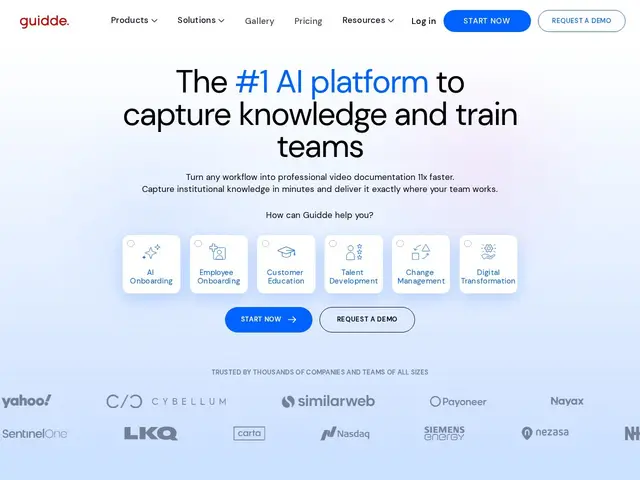
Description
Making a good tutorial video usually means recording your screen, then editing it, then recording narration (probably three takes because you stumbled over a word), then syncing everything, then adding captions by hand. Guidde compresses that whole process: record the workflow once, and it automatically generates the polished, narrated, captioned video for you — the company claims roughly 11x faster than doing it manually.
Guidde captures your screen as you click through a task, then uses AI to add professional voiceovers (in over 200 voices), automatic captions, visual highlights on what you clicked, and consistent branding, producing a finished tutorial without manual video editing. Finished guides can be embedded directly inside the tools your team already uses, so help shows up where the confusion actually happens rather than in a separate wiki nobody opens. It's aimed at enterprise onboarding, customer education, and documenting complex software rollouts (Salesforce, SAP, Workday are called out specifically as common use cases).
💬 Our review
The short version: if your team needs polished training videos but nobody has time to actually edit video, Guidde's automatic voiceover-and-caption pipeline removes the single biggest bottleneck in tutorial creation, and the free 25-video tier is generous enough to genuinely test the workflow before paying.
Against Vidocu, which leans toward converting recordings into written SOPs and help articles, Guidde stays firmly video-first with AI narration as its core value proposition. Against Scribe, which produces text-and-screenshot guides instead of video, Guidde is the right pick specifically when a narrated walkthrough communicates better than static steps — onboarding a new hire on a complex enterprise tool, for instance. Pricing is reasonable at the Pro tier ($19-29/month) but the jump to Business ($39-59/month) for unlimited text-to-voice and multi-app support is where real team usage tends to land, so budget for that tier rather than assuming Pro will be enough long-term.
💰 Pricing
📊 Global score
🤖 AI-enriched data
Gratuit (25 vidéos) ; Pro 19$/mois (annuel) ; Business 39$/mois (annuel) ; Enterprise sur devis
Pros
Voix off IA et sous-titres automatiques, zéro montage manuel
Palier gratuit généreux (25 vidéos)
Guides intégrables directement dans les outils utilisés au quotidien
Cons
Palier Business nécessaire pour le text-to-voice illimité
Format vidéo moins consultable rapidement qu'un guide texte