Vizard
AI video tool that automatically turns long-form videos into short, viral-ready clips with auto-captions, B-roll suggestions, and multi-platform formatting.
🔗 Visit Vizard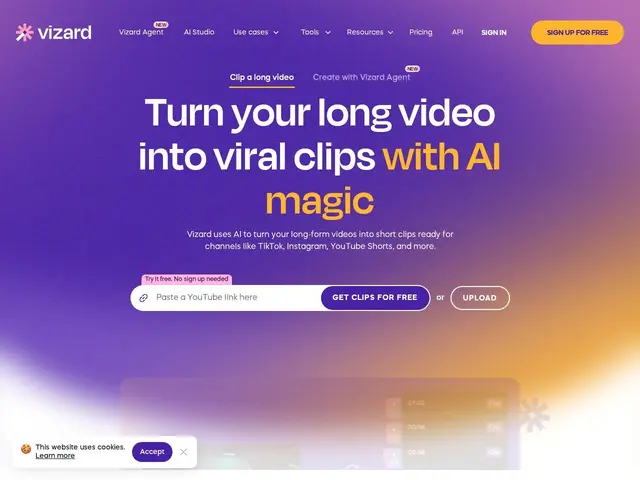
Description
Turning a 45-minute podcast or webinar into a handful of short clips worth posting on social media is exactly the kind of repetitive, judgment-heavy work that used to require a dedicated video editor scrubbing through footage looking for the good parts. Vizard tries to automate that scrubbing.
Vizard is an AI tool built around repurposing long-form video into short clips: it detects likely-viral moments automatically, generates captions with emoji in over 100 languages, suggests relevant B-roll, and lets you edit by deleting text from a transcript rather than scrubbing a timeline. It reformats clips for different platform aspect ratios automatically, applies brand templates for visual consistency, and includes basic social account scheduling so clips can go out without leaving the tool. The free plan includes 60 monthly credits; paid Creator and Business plans (billed annually, with a 50% discount commonly available) add team workspace features. It's aimed at podcasters, YouTubers, and marketing teams who produce long-form content and want a steady stream of short clips without editing each one by hand.
💬 Our review
The short version: Vizard sits in the same category as Opus Clip and Reap — automated long-to-short video repurposing — and its specific edge is the combination of automatic viral-moment detection with transcript-based editing, so you're not blindly trusting the AI's clip picks without an easy way to adjust them.
Opus Clip remains the best-known name in this space and has a slight edge in clip-selection accuracy according to most independent comparisons; Vizard competes mainly on its broader feature set (B-roll suggestions, multi-language captions, scheduling) bundled at a comparable price. The free tier's 60 credits are enough to test whether the clip detection matches your judgment before committing to a paid plan, which matters because clip-selection quality varies noticeably by content type (talking-head podcasts detect better than panel discussions, in general). Annual billing is the default pricing structure shown, so factor that in versus month-to-month competitors. Good fit for creators with a backlog of long-form content who want a full pipeline (clip, caption, resize, schedule) rather than just clipping alone.
💰 Pricing
📊 Global score
🤖 AI-enriched data
Gratuit (60 crédits/mois), puis Creator et Business en facturation annuelle (remise ~50% fréquente)
Pros
Détection automatique des moments viraux
Édition par suppression de texte dans la transcription
Sous-titres multilingues avec emojis (100+ langues)
Reformatage automatique par plateforme
Cons
Précision de sélection des clips inférieure à Opus Clip selon les comparatifs
Facturation annuelle par défaut
Qualité de détection variable selon le type de contenu