Canvid
AI-powered desktop screen recorder for Windows and Mac with automatic click-zoom, voice cleanup, and webcam background removal without a green screen.
🔗 Visit Canvid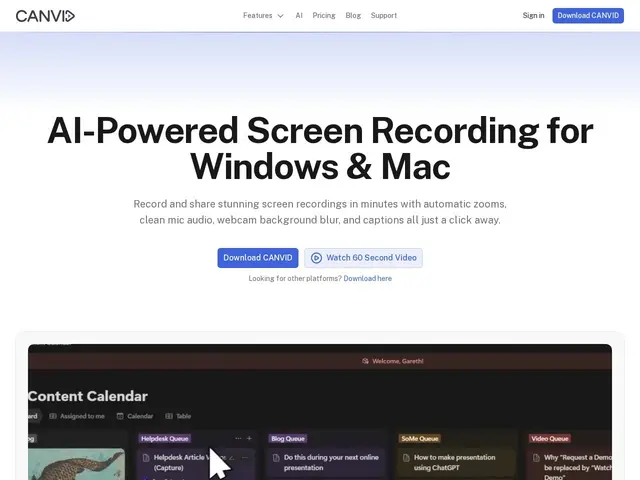
Description
Making a polished screen-recorded tutorial usually means either learning to manually zoom into clicks in a video editor afterward, or accepting recordings where viewers can't quite see what you clicked on. Canvid tries to handle that kind of polish automatically, in real time, as you record.
Canvid is a desktop screen recorder for Windows and Mac that automatically detects clicks and zooms in on them, cleans up voice audio and removes background noise with AI, and can blur or replace your webcam background without needing an actual green screen. It records at up to 4K/60fps, auto-generates editable captions, and supports an edit-while-recording workflow along with instant shareable links. Rather than a subscription-first model, it offers a one-time lifetime license ($75, includes lifetime updates and 1GB cloud storage) alongside an annual subscription ($96/year) for unlimited cloud storage and cloud AI features. It's aimed at people making tutorials, product demos, or documentation videos who want professional-looking output without manual post-production editing.
💬 Our review
The short version: against Loom, which is built around quick recording-and-share simplicity, Canvid competes on production quality — automatic zoom-on-click and real background removal are genuine time-savers if you're making tutorial-style content where viewers need to actually see what you clicked.
The standout decision here is pricing structure: a $75 one-time lifetime license is unusual in a market dominated by monthly subscriptions, and it's a real advantage if you record occasionally and don't want a recurring bill — though it caps you at 1GB of cloud storage, which fills up fast with 4K video, pushing heavier users toward the $96/year plan anyway. Loom remains simpler for quick, no-setup recording and has stronger built-in sharing/viewer-analytics infrastructure; Canvid's edge is specifically in the recording quality and automatic polish, not in the sharing ecosystem around it. Good fit for people producing recurring tutorial or demo content who want less manual editing; overkill if you just need to record and send a quick screen share occasionally.
💰 Pricing
📊 Global score
🤖 AI-enriched data
Licence à vie 75$ (1 Go cloud), ou abonnement annuel 96$/an (stockage cloud illimité + fonctions IA cloud)
Pros
Zoom automatique sur les clics
Suppression de bruit et nettoyage vocal par IA
Flou/remplacement de fond webcam sans écran vert
Option licence à vie sans abonnement
Cons
1 Go de stockage cloud seulement sur la licence à vie
Écosystème de partage moins riche que Loom
Application desktop uniquement (pas de version web)