OpenLogi
A free, open-source app for reprogramming Logitech mice and keyboards — button remapping, DPI, and SmartShift — that runs entirely on your machine, with no account or telemetry.
🔗 Visit OpenLogi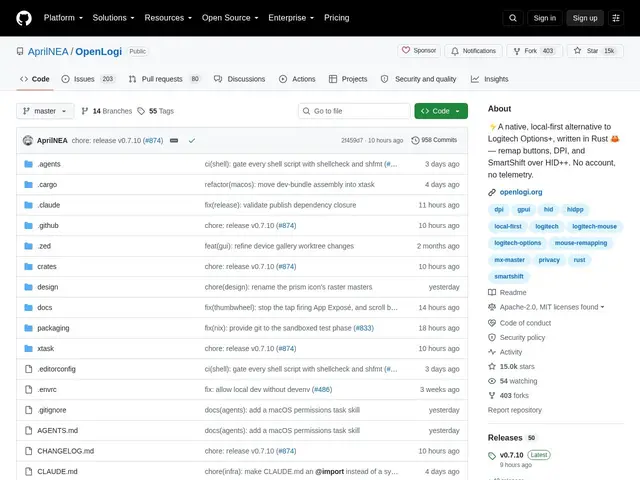
Description
Logitech's own configuration software, Options+, requires creating an account and phones home with usage data just to remap a mouse button. OpenLogi does the same core job — reassigning buttons, adjusting DPI, tuning the scroll wheel — but as a small, open-source app that runs locally and never talks to a server.
Written in Rust, it supports button remapping, DPI presets, SmartShift wheel behavior, per-application profile overlays, an Actions Ring overlay, RGB keyboard lighting, and even webcam controls (zoom, focus, exposure) for supported UVC devices. Configuration is plain-text TOML, and it ships with both a CLI and a GUI. It works over Bolt, Unifying, Bluetooth, or wired connections, on macOS 13+, Linux (x86_64/arm64), and Windows 11.
💬 Our review
The short version: if you own Logitech gear and don't want an account or telemetry just to remap a button, OpenLogi does the job Options+ does, for free, without the baggage — and it's actively developed with real community traction (14,900+ stars).
Against Logitech's own Options+, which is more polished and covers a broader device catalog with official support, OpenLogi's tradeoff is a leaner feature set and reliance on community-driven device coverage — some niche peripherals may not be fully supported yet. Windows support is also limited to Windows 11, so users on Windows 10 are out of luck. For privacy-conscious users, Linux users Logitech doesn't officially support well, or anyone who just doesn't want another account, OpenLogi is a clear win; users needing guaranteed support for every Logitech device or Windows 10 compatibility should stick with Options+.
💰 Pricing
📊 Global score
🤖 AI-enriched data
100% gratuit, double licence Apache 2.0 / MIT, aucune version payante.
Pros
Fonctionne 100% en local, aucun compte ni télémétrie requis
Multiplateforme : macOS, Linux et Windows 11
Supporte plusieurs types de connexion (Bolt, Unifying, Bluetooth, filaire)
Configuration en texte brut (TOML), facile à versionner ou éditer à la main
CLI et interface graphique disponibles
Cons
Windows limité à Windows 11 uniquement
Couverture des périphériques moins large que le logiciel officiel Logitech
Compiler depuis les sources demande de connaître Rust
Communauté et écosystème plus restreints que le logiciel officiel