KidScreen
KidScreen is a free web app that lets parents build a curated shelf of YouTube videos for their kids to watch, with no algorithm suggesting anything extra.
🔗 Visit KidScreen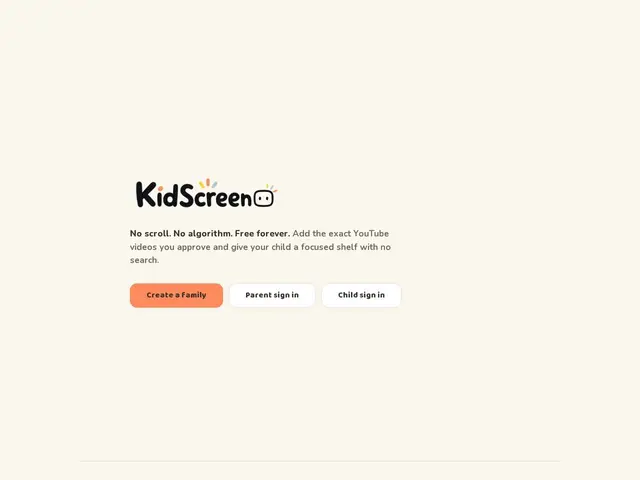
Description
Handing a child a YouTube app usually means handing them an algorithm too — one designed to keep anyone watching as long as possible, not to respect a parent's judgment about what's appropriate. KidScreen strips that away: instead of a feed, your kid sees a shelf of videos you specifically picked and approved, and nothing else. There's no "up next" rabbit hole, no recommended videos, no search results pulling in random content — just the videos a parent chose to be there.
Technically, KidScreen is a web app rather than a native install, and it's designed to be added to a device's Home Screen so it opens like a regular app for the child. Each child gets an individual login, so a household with multiple kids can maintain separate, age-appropriate shelves rather than sharing one account. There's no search bar, no autoplay into unrelated content, and no algorithmic feed anywhere in the interface — every video available has been explicitly added by a parent through the curation dashboard. The service is free to run, funded only through optional donations.
💬 Our review
The short version: KidScreen solves a specific, real parenting pain point — YouTube's recommendation algorithm being unpredictable and sometimes inappropriate for kids — by removing the algorithm entirely and replacing it with parent-curated shelves. Being completely free with only optional donations makes it an easy, no-risk thing to try.
The honest limitation is that curation is manual and ongoing: every video a child can watch has to be added by a parent, which is more upfront and ongoing effort than YouTube Kids' automated (if imperfect) filtering, or a fully locked-down alternative like a pre-loaded tablet with downloaded content. It's best suited for parents who specifically want tight, hands-on control over content rather than a hands-off "good enough" filter — the tradeoff is control in exchange for your own curation time.
💰 Pricing
📊 Global score
🤖 AI-enriched data
Entièrement gratuit, dons optionnels via Buy Me a Coffee
Pros
Aucun algorithme de recommandation — uniquement les vidéos choisies par le parent
Comptes individuels par enfant
Gratuit, sans compte payant
Format web app compatible écran d'accueil
Cons
Curation entièrement manuelle — chaque vidéo doit être ajoutée par un parent
Plus d'effort continu que le filtrage automatique de YouTube Kids
Dépend de la disponibilité continue du service (petit projet, dons optionnels)