Construct
Gives an AI agent its own actual computer — browser, terminal, files, memory that persists — so it can go do a real recurring task (like checking inboxes or updating a spreadsheet) on a schedule, instead of you re-prompting a chatbot every time.
🔗 Visit Construct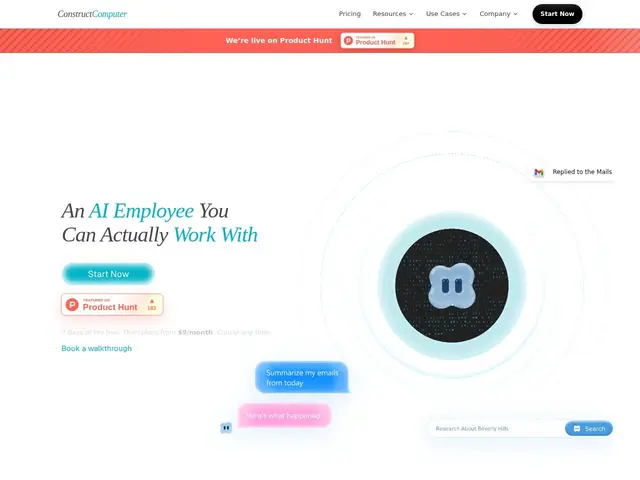
Description
Chat-based AI assistants are great at answering a question in the moment, but they forget everything when the conversation ends, and they can't do anything while you're not actively typing to them. For a solo founder who needs the same report pulled every Monday, or the same three systems checked every morning, that's a real gap — you end up either doing the repetitive task yourself or re-explaining it to a chatbot every single time.
Construct's approach is to give the AI agent a persistent computer of its own: a real desktop environment with a browser, terminal, file storage, email and calendar access, plus memory that carries over between runs. You set up a workflow once — connect to tools like Gmail, Notion, Linear, GitHub or HubSpot — and the agent can run it on a schedule or on-demand via Slack, Telegram, Discord or email, without you re-explaining the task. It's aimed squarely at the constraint solo founders and lean teams actually face: not a shortage of ideas, but a shortage of hours to execute the routine ones.
💬 Our review
The short version: if you're a solo founder with a handful of genuinely repetitive computer-based tasks (checking systems, pulling reports, routine follow-ups) and you're tired of babysitting a chatbot through them every time, Construct's persistent-agent model is built exactly for that — though it starts adding up in cost as you scale usage.
Against other "AI coworker" products like Clark or WorkClaw, Construct's differentiator is the full computer metaphor — a real browser, terminal and file system the agent operates in, rather than a narrower chat-plus-tools interface — which matters for tasks that genuinely need multi-step computer navigation, not just API calls. The Lite tier at $9/month is genuinely cheap to try, but the runtime and step limits scale sharply with price (Pro at $199/month for 15 agents and 1000 steps), so a team running heavy automation will land in real SaaS-budget territory fast. Worth trialing for a handful of clearly-defined recurring tasks; not yet a wholesale replacement for a human hire on complex, judgment-heavy work.
💰 Pricing
📊 Global score
🤖 AI-enriched data
Lite $9/mois (2 agents) · Starter $39/mois (5 agents) · Pro $199/mois (15 agents, 1000 steps) · Enterprise sur devis · essai Pro 7 jours
Pros
L'agent dispose d'un vrai ordinateur (navigateur, terminal, fichiers), pas juste d'un chat
Mémoire persistante entre les sessions, contrairement à un chatbot classique
Accès multi-canal : web, Slack, Telegram, Discord, email
Intégrations avec Gmail, Notion, Linear, GitHub, HubSpot et plus
Cons
Coût qui grimpe vite avec le nombre d'agents et le runtime (Pro $199/mois)
Pas encore un remplacement pour du travail nécessitant un vrai jugement humain
Limites de steps/runtime par palier à surveiller de près
Marché naissant des « AI coworkers », produits encore jeunes