Pencil
A vector design tool that lives inside your IDE, so what you draw lands directly in code instead of a separate design file.
🔗 Visit Pencil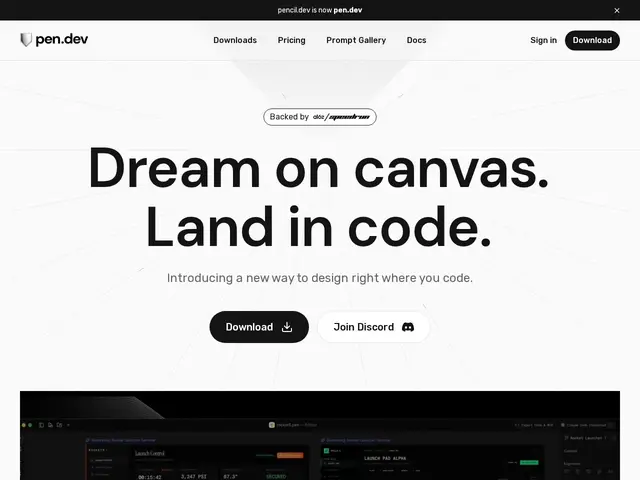
Description
Handing a finished design over to a developer usually means someone has to re-measure spacing, re-pick colors, and rebuild every component from a screenshot. Pencil (now published at pen.dev) tries to skip that step by putting a real vector design tool directly inside the code editor, so the thing you draw and the thing that ships are the same artifact.
It runs as an extension for Cursor and VS Code, using its own "Design as Code" file format (.pen) to keep designs as structured, version-controllable data rather than flat images. It supports reusable components and slots, shared design libraries, and variable management, with import/export into existing projects and early AI integration for generating or adjusting layouts. It's aimed squarely at developers and design-minded engineers who want to design inside the same environment they build in, instead of context-switching to a separate app.
💬 Our review
The short version: Pencil's core idea — a real vector design surface that never leaves the IDE and outputs a version-controllable file format instead of flat pixels — directly attacks the handoff friction that tools like Figma were never built to solve.
The homepage itself is minimal (a tagline and not much else at the time of writing), which is a fair signal this is still an early, thin product compared to a mature design suite. It's currently free, with the team stating clearly that any future paid features will be disclosed before charging — a reasonable stance for a pre-revenue tool, but it means the pricing story could change. The honest alternative for teams not yet ready to design inside their editor is Figma with a code-export plugin, or Paper (paper.design) for a browser-based HTML/CSS-native canvas; Pencil's edge is being IDE-native rather than browser-native. Worth trying if you already live in Cursor or VS Code and want to prototype UI without leaving it.
💰 Pricing
📊 Global score
🤖 AI-enriched data
Actuellement gratuit. L'équipe indique que d'éventuelles fonctionnalités payantes futures seront annoncées avant toute facturation.
Pros
Design vectoriel directement dans l'IDE (Cursor, VS Code)
Format « Design as Code » (.pen) versionnable avec Git
Composants réutilisables et bibliothèques partagées
Actuellement gratuit
Cons
Page d'accueil très minimale — produit encore jeune
Modèle de tarification futur incertain
Écosystème et communauté bien plus restreints que Figma
Intégration IA encore naissante