Bank Statement Converter
A browser tool that converts PDF bank statements to CSV entirely on-device (nothing sent to a server) with 98% accuracy on major UK/US bank formats, currently free while it builds toward a paid tier.
🔗 Visit Bank Statement Converter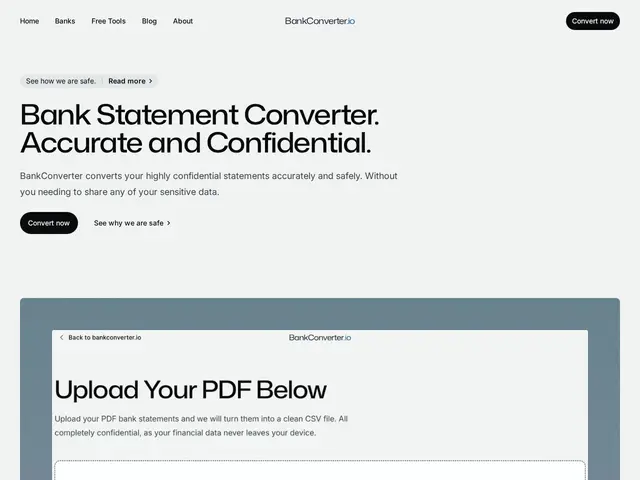
Description
Converting a PDF bank statement into a spreadsheet for accounting or budgeting usually means either typing it out by hand or uploading a sensitive financial document to a random web service. Bank Statement Converter processes the file entirely in your browser instead, without sending it anywhere.
Bank Statement Converter turns PDF bank statements into CSV files with a stated 98% accuracy on major UK and US bank formats, converting in under 5 seconds. It deliberately uses non-AI, rule-based parsing rather than machine learning, which the founders frame as better for both privacy and predictable accuracy. It's built by a two-person team (a CTO and a cybersecurity-background co-founder) who commit to adding newly requested bank formats within one business day and offer direct founder support. The service is currently free, with a paid tier planned for the future.
💬 Our review
The short version: a genuinely privacy-conscious tool in a very crowded niche — the on-device processing claim is a real differentiator worth taking seriously given a cybersecurity co-founder is behind it, but this exact product category (PDF bank statement to CSV) has an unusually large number of near-identical competitors, so shop the specifics before committing.
The "0 bytes sent to servers" claim is stronger than most privacy marketing because it's a specific, falsifiable technical claim (checkable via browser network tools) rather than a vague policy statement, and the choice of rule-based over AI parsing is a deliberate, defensible trade-off for this exact task where predictability matters more than flexibility. That said, the bank-statement-to-CSV space is unusually saturated — BankStatementConverter.com, DocuClipper, BankStatementConverters.ai and several others all do essentially the same job, so the honest differentiator here is specifically the local-processing privacy angle and the 1-business-day new-format turnaround, not unique functionality. Best fit: anyone converting UK/US bank statements who specifically cares that the file never leaves their device; skip it if you need non-UK/US bank formats or built-in accounting-software export, where DocuClipper's QuickBooks/Xero integration is more direct.
💰 Pricing
📊 Global score
🤖 AI-enriched data
Actuellement gratuit. Un palier payant est annoncé comme à venir, sans montant communiqué pour l'instant.
Pros
Traitement 100% local, aucun octet envoyé sur un serveur — revendication technique vérifiable, pas juste une politique vague
Parsing basé sur des règles (pas de l'IA) : choix délibéré pour la prévisibilité sur ce type de tâche
Nouveaux formats de banque ajoutés sous 1 jour ouvré sur demande, support direct des fondateurs
Cons
Marché très saturé : plusieurs concurrents quasi identiques (DocuClipper, BankStatementConverter.com, etc.)
Pas d'export direct vers un logiciel de compta (QuickBooks/Xero) contrairement à DocuClipper
Gratuit aujourd'hui mais palier payant à venir sans montant annoncé