DebuggAI
An AI that clicks through your app like a real user would, on every pull request, to catch broken buttons and broken flows that your unit tests never touch.
🔗 Visit DebuggAI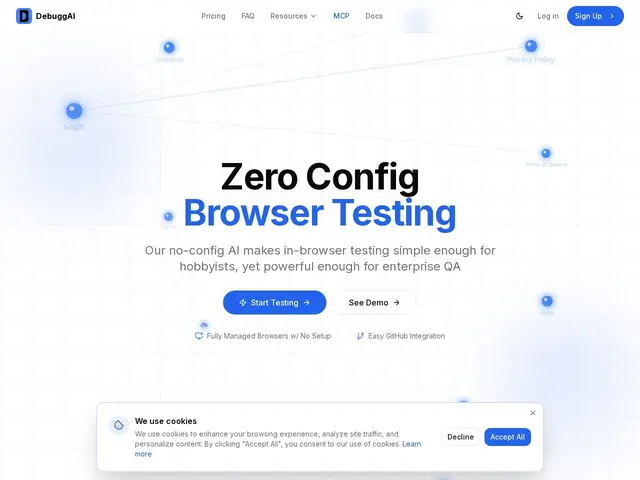
Description
Unit tests are great at proving a function returns the right value, but they're blind to the thing users actually experience — a button that no longer does anything after a CSS change, a checkout flow that silently breaks after a dependency update. Catching that usually means someone manually clicking through the app before every release, which doesn't scale. DebuggAI automates that manual click-through: it watches your pull requests and runs an AI-driven browser test against the real UI, then reports back what broke.
DebuggAI is an AI-powered browser testing platform built on Playwright that triggers automatically on every GitHub pull request, recording screenshots and video of each test run and posting results directly as PR comments. Setup is designed to take about two minutes with no configuration files to write by hand, and it ships an MCP server so AI coding assistants like Claude Code and Cursor can trigger or interpret tests directly. It's aimed at teams that want end-to-end UI coverage without hand-writing and maintaining a Playwright or Cypress test suite themselves.
💬 Our review
The short version: if your team ships UI changes often and keeps shipping visual regressions unit tests can't catch, DebuggAI's automatic per-PR browser testing is a low-effort way to get that safety net — the free tier is generous enough to actually try it on a real project.
Compared to hand-rolling a Playwright or Cypress suite, DebuggAI's pitch is maintenance: you get AI-generated end-to-end coverage on every PR without a QA engineer writing and updating test scripts as the UI evolves. That convenience has a ceiling — AI-generated tests are good at catching obviously broken flows but less reliable than a hand-written suite for very specific business-critical edge cases, so teams with mature QA practices may still want their own scripts for the highest-stakes flows. At $20/month for 1,000 tests, it's cheap enough to layer on top of existing tests rather than replace them outright, which is probably the smarter way to use it.
💰 Pricing
📊 Global score
🤖 AI-enriched data
Gratuit (100 tests/mois, dépôts publics uniquement). Pro à 20 $/mois (1 000 tests/mois, dépôts privés). Grow à 40 $/mois (5 000 tests/mois, gestion d'équipe). Enterprise sur devis (tests illimités, SSO/SAML).
Pros
Se déclenche automatiquement sur chaque pull request, sans configuration manuelle
Enregistrement captures/vidéo de chaque run de test
Serveur MCP pour Claude Code, Cursor et autres assistants IA
Palier gratuit assez généreux pour tester sur un vrai projet (100 tests/mois)
Cons
Dépôts privés réservés aux paliers payants
Reste un test IA automatisé — ne remplace pas totalement une revue manuelle sur les flux critiques
Prix par volume de tests peut grimper vite pour des équipes qui déploient très souvent
Date de fondation non communiquée