video-use
A free, open-source tool that edits video by describing what you want in text — cutting silences, color grading, burning subtitles — and letting an AI coding agent do the actual editing work.
🔗 Visit video-use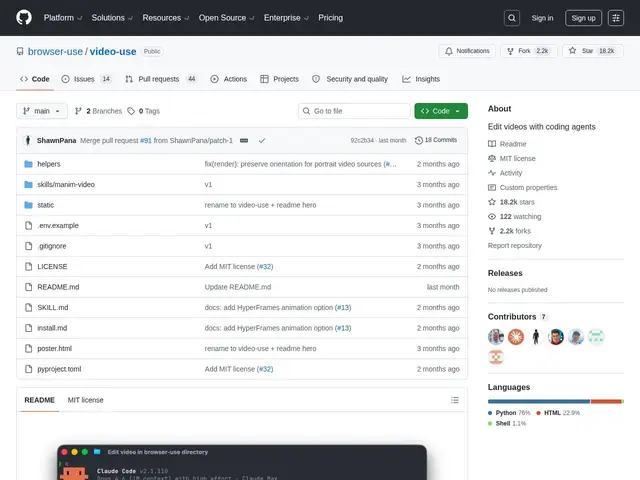
Description
Traditional video editing means dragging clips on a timeline, one cut at a time. video-use flips that: instead of a timeline, you describe the edit you want in plain instructions, and an AI coding agent (like Claude Code) writes and runs the actual editing commands, checking its own output and re-rendering if something looks wrong.
Built in Python by the team behind browser-use and released under the MIT license, video-use is deliberately text-first rather than frame-dumping — it works from word-level transcription timestamps to make precise cuts, rather than having the AI "watch" every frame, which keeps token usage down. It automatically removes filler and dead air, applies color grading, burns in subtitles, and can generate animated overlays using several rendering backends (Remotion, Manim, HyperFrames, PIL). It includes a self-validation loop that re-renders automatically up to three times if the output doesn't match the request. It depends on FFmpeg for processing and the ElevenLabs API for transcription, and with over 18,000 GitHub stars a few months after launch, it's found real traction among developers who'd rather script a video edit than click through a timeline.
💬 Our review
The short version: video-use is a clever, genuinely different way to edit video — describe the edit, let an agent execute it — and it's a strong fit if you already produce content with AI coding agents in your toolchain, but it's not a replacement for a real timeline editor when you need frame-perfect creative control.
Against DaVinci Resolve's scripting API, the professional route for programmatic editing, video-use is far more accessible: you describe intent in natural language instead of writing editing scripts against Resolve's API, at the cost of losing Resolve's colour-grading depth and industry-standard output. Against raw FFmpeg pipelines glued together with bash, which many developers already use for basic automated edits, video-use adds the AI-agent layer that interprets intent and self-corrects, meaning less manual scripting — but you're now also depending on an LLM's judgment calls about what a good edit looks like. Against RunwayML, a cloud AI video platform aimed more at generative effects than programmatic editing, video-use is closer to "AI-assisted traditional editing" than "AI-generated video," a genuinely different use case. The honest limitation: it needs FFmpeg and a paid ElevenLabs API key for transcription, so it isn't fully free to run at scale, and the self-correction loop caps at three attempts — if an edit is conceptually off, more re-renders won't fix it. For scripted, repeatable edits (podcast trimming, subtitle generation, silence removal) it's excellent; for creative, nuanced storytelling edits, a human editor in a real NLE still wins.
💰 Pricing
📊 Global score
🤖 AI-enriched data
Licence MIT, 100% open source et gratuit ; nécessite FFmpeg (gratuit) et une clé API ElevenLabs (payante) pour la transcription.
Pros
Approche texte-first économe en tokens, basée sur des timestamps de transcription au mot près
Boucle d'auto-validation avec re-rendu automatique si le résultat ne correspond pas à la demande
Support de plusieurs moteurs d'animation (Remotion, Manim, HyperFrames, PIL)
Cons
Dépend de FFmpeg et d'une clé API ElevenLabs payante pour la transcription
Pas de timeline classique image par image pour un contrôle créatif fin
Auto-correction limitée à 3 tentatives de re-rendu maximum