Uninstalr
Select a pile of Windows programs you no longer use and remove all of them in one batch, instead of clicking through Windows' built-in "Add or Remove Programs" list and its slow uninstall wizards one app at a time.
🔗 Visit Uninstalr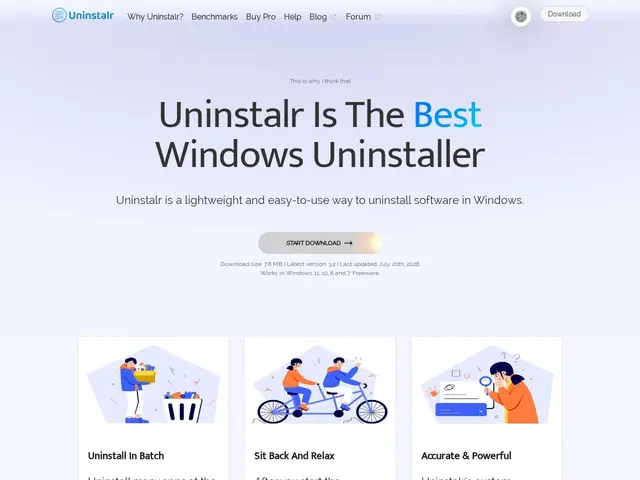
Description
Windows' built-in uninstaller works, but it's slow for anything beyond removing one app: each program pops its own uninstall wizard, some need repeated clicks to confirm, and there's no way to just select ten old programs and remove them all at once. Uninstalr is built specifically to fix that: it lists your installed software with real-time disk space per app, and lets you batch-select multiple programs for unattended removal — no clicking through individual wizards.
Beyond Windows Store and traditional desktop apps, it also handles game-launcher software specifically: Steam, Epic Games, GOG Galaxy, Battle.net and itch.io titles, covering 15+ app types in total. It's a genuinely small download (7.8 MB) with a free version and a $39 one-time Pro upgrade that adds lifetime free updates and direct access to the developer for feature requests — no subscription.
💬 Our review
The short version: batch, unattended uninstallation is a small but real convenience the moment you're doing a Windows spring-clean rather than removing one app, and covering game launchers specifically (Steam, Epic, GOG) is a thoughtful touch most generic uninstallers skip.
Revo Uninstaller and Geek Uninstaller are the established names here, and both also offer "leftover file" cleanup after uninstall (registry entries, orphaned folders) — worth checking whether Uninstalr matches that specific capability, since the extracted facts emphasize batch removal and disk-space visibility more than post-uninstall cleanup. At $39 one-time for the Pro tier, it's priced similarly to Revo Uninstaller Pro; the free tier is enough to judge whether the batch-uninstall workflow itself is what you're missing before paying for extras.
💰 Pricing
📊 Global score
🤖 AI-enriched data
Version gratuite disponible ; Pro 39$ paiement unique avec mises à jour à vie et support prioritaire
Pros
Désinstallation par lot et sans surveillance
Couvre aussi les launchers de jeux (Steam, Epic, GOG, Battle.net)
Très léger (7,8 Mo) et prix unique sans abonnement
Cons
Pas clair si le nettoyage des résidus (registre, dossiers) est aussi complet que Revo Uninstaller
Concurrents établis avec plus de retours d'usage
Windows uniquement