Input 0
Hold a keyboard shortcut, speak instead of type, and get back clean text with filler words and stumbles removed automatically — processed entirely on your own Mac, so nothing you say gets sent to a company's server.
🔗 Visit Input 0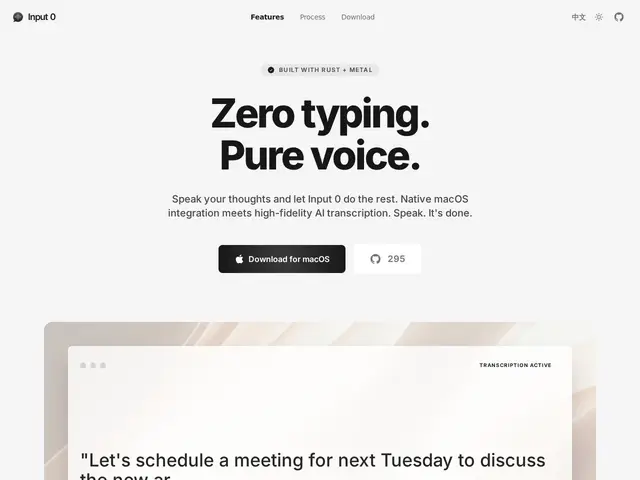
Description
Voice-to-text tools usually mean sending your audio to a cloud service, which is a dealbreaker for anyone dictating anything sensitive — code, internal notes, client conversations. Input 0 takes a different approach: it runs entirely on-device on Apple Silicon Macs, using the GPU (Metal) to transcribe speech locally, with an AI refinement pass that strips out "um"s and false starts and fixes grammar before pasting the result directly into whatever app you're using — Slack, VS Code, anywhere.
It supports 99+ languages, lets you add custom vocabulary for names, brands, or technical terms it might otherwise mishear, offers multiple transcription engine options including Whisper, and activates with a global hotkey (Option + Space). It's free and open source under a CC BY-NC 4.0 license (free for personal/non-commercial use, source available), with the source hosted on GitHub — a meaningfully different trust model than a typical closed, cloud-based dictation app.
💬 Our review
The short version: local-only processing is the actual differentiator here, not just a marketing line — anyone who's hesitant to dictate through a cloud service because of client confidentiality, proprietary code, or general privacy discomfort gets a genuinely different guarantee with Input 0 than with a typical SaaS dictation tool.
The tradeoff for local processing is usually accuracy or speed compared to cloud models with far more compute behind them, so it's worth testing directly against your actual accent and vocabulary before relying on it for anything time-sensitive — the custom vocabulary feature helps here for names and jargon specifically. Being free, open-source (CC BY-NC 4.0), and requiring only Apple Silicon makes it a low-risk trial for any Mac-using developer or technical professional already leaning toward local-first tools.
💰 Pricing
📊 Global score
🤖 AI-enriched data
Gratuit et open source, usage non-commercial ; source disponible sur GitHub
Pros
Traitement 100% local, rien n'est envoyé dans le cloud
Gratuit et open source
Vocabulaire personnalisé pour noms/termes techniques
Cons
Nécessite un Mac Apple Silicon (pas de support Intel/Windows)
Précision potentiellement inférieure aux modèles cloud plus puissants
Licence non-commerciale limite l'usage en entreprise