hawkshaw
Walks you through your uncommitted git changes one hunk at a time in the terminal, so reviewing a pile of AI-generated edits before committing is a deliberate y/n decision instead of a blind git add .
🔗 Visit hawkshaw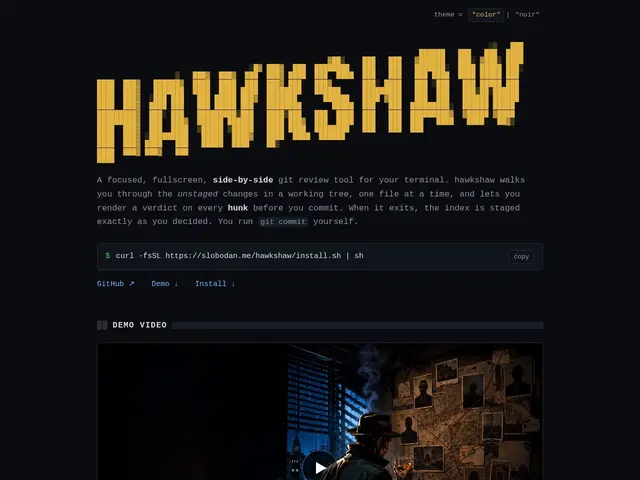
Description
AI coding agents can produce large diffs fast, which makes it tempting to just `git add .` and commit without really reading everything that changed. hawkshaw is a terminal-based git review tool built specifically to slow that down in a useful way: it walks through unstaged changes one file and one hunk at a time, letting you approve or reject each piece before it gets staged.
It offers a side-by-side split view with aligned changed lines, or a unified inline view for narrow terminals, both with syntax highlighting and intra-line highlighting that shows exactly which words changed within a line, not just which lines. Navigation follows vim and `bat` muscle memory (j/k to scroll, y/n to decide), and it supports OSC 52 clipboard integration for copying a hunk's diff directly. It respects `.gitignore` the same way `git status` does, uses viewport virtualization so large diffs still scroll smoothly, and automatically picks split or unified layout based on terminal width. It's open source under the MIT license.
💬 Our review
The short version: this is a small, focused tool solving a specific and increasingly relevant problem — reviewing large, fast-generated diffs (often from an AI coding agent) without either skipping review entirely or manually scrolling through a huge unified diff — and the y/n-per-hunk workflow is a genuinely faster way to actually read what changed.
Against `git add -p`, the built-in git equivalent, hawkshaw adds syntax highlighting, intra-line diffing, and a friendlier keyboard-driven review flow that plain `git add -p`'s terminal output doesn't offer. Against a full TUI git client like lazygit or gitui, which handle the whole git workflow (branches, commits, log, staging), hawkshaw is narrower by design — it only does hunk-by-hunk review, which makes it faster to learn and use for that one task but not a replacement for a full git TUI if you want one tool for everything.
💰 Pricing
📊 Global score
🤖 AI-enriched data
Open source, licence MIT
Pros
Revue hunk par hunk avec surlignage intra-ligne des mots changés
Navigation clavier familière (vim/bat), rapide à apprendre
Gère bien les gros diffs grâce à la virtualisation du viewport
Cons
Ne couvre que la revue de hunks, pas un client git complet
Terminal uniquement, pas d'interface graphique
Outil de niche, communauté encore petite