Scriptum
A Mac Markdown editor that shows your math equations and diagrams rendered live as you type, and can turn the same document into a slideshow or a polished PDF when you're done.
🔗 Visit Scriptum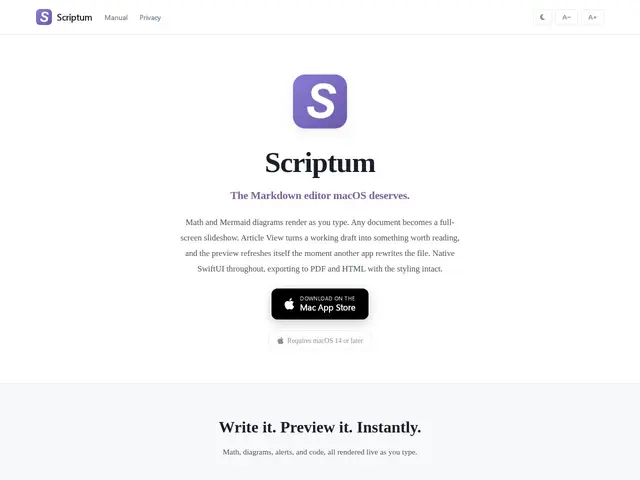
Description
Writing technical notes in Markdown usually means switching between your editor and a preview pane to check whether a math equation or a Mermaid diagram actually rendered correctly. Scriptum is a native SwiftUI Markdown editor for macOS built to remove that back-and-forth: math (via KaTeX) and Mermaid diagrams render live, in place, as you type.
It offers multiple viewing modes — split, reader, and editor — with synchronized scrolling between them, plus an Article View for a cleaner reading layout. A presentation mode converts a document straight into a full-screen slideshow, useful for turning technical notes directly into a talk without rebuilding them in a separate slide tool. It supports live reload when the underlying file changes externally, inline editing with visible syntax, auto-save with file conflict handling, and export to styled PDF or self-contained HTML. It's a paid Mac app; the exact price isn't published on its page.
💬 Our review
The short version: if you regularly write technical notes with math or diagrams and get tired of a broken preview-pane workflow, a native live-rendering editor removes real friction — and the presentation mode is a genuinely useful bonus if you also turn those notes into talks.
Against a general Markdown editor like Typora or iA Writer, which handle plain Markdown well but have weaker or no native math/Mermaid live rendering, Scriptum's focus on technical content (math, diagrams) is the clear differentiator. Against writing in a full IDE with a Markdown preview extension, Scriptum is lighter and purpose-built for reading/writing flow rather than code editing. Without a published price, it's worth checking the App Store or site listing directly before deciding, but as a native macOS app it should feel meaningfully snappier than an Electron-based alternative.
💰 Pricing
📊 Global score
🤖 AI-enriched data
Application payante, prix exact non publié sur la page
Pros
Rendu live des maths (KaTeX) et diagrammes Mermaid, natif SwiftUI
Mode présentation intégré, transforme les notes en diaporama
Export PDF stylé et HTML autonome
Cons
Prix exact non publié
Application native Mac uniquement
Moins polyvalent qu'un éditeur Markdown généraliste pour du contenu non technique