Figranium
A drag-and-drop editor for building browser automation — scraping a site, testing a workflow, monitoring a price — without writing Selenium or Playwright scripts by hand.
🔗 Visit Figranium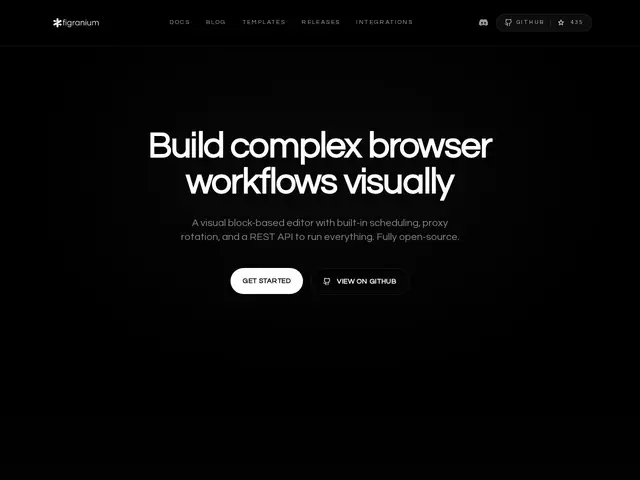
Description
Browser automation for scraping, testing, or monitoring usually means writing and maintaining Playwright or Selenium scripts by hand, which is a real barrier for anyone who isn't already comfortable with that code. Figranium replaces the script with a visual, block-based editor: you build the workflow by dragging blocks, including proper control flow like if/else branches, while loops, and foreach.
It runs in three execution modes — Agent, Scrape, and Headful — supports built-in task scheduling with cron syntax, and includes HTTP and SOCKS5 proxy rotation along with stealth/anti-detection capabilities for sites that try to block automated browsers. It can record video and capture screenshots of a run, and exposes a REST API for triggering workflows programmatically rather than only through the UI. It names Automa as a direct point of comparison, and it's open source, self-hosted.
💬 Our review
The short version: visual browser automation tools trade some flexibility for a much lower barrier to entry — if writing and debugging Playwright scripts isn't something you want to do regularly, a drag-and-drop editor with real control flow (not just linear steps) covers a surprising amount of ground for scraping, QA, and monitoring tasks.
Against hand-written Playwright or Selenium scripts, Figranium is faster to build and edit for non-developers or occasional automation needs, but a skilled engineer will likely hit its ceiling faster than raw code would for a truly complex, custom automation. Against Automa, the competitor it names directly, Figranium's differentiators are built-in scheduling, proxy rotation, and stealth features aimed specifically at scraping and lead-enrichment use cases rather than general-purpose browser scripting. Being self-hosted and open source means no per-seat SaaS fee, but you're responsible for running and maintaining the infrastructure yourself.
💰 Pricing
📊 Global score
🤖 AI-enriched data
Open source, auto-hébergé, gratuit
Pros
Éditeur visuel avec vrai contrôle de flux (if/else, boucles)
Rotation de proxy et fonctions anti-détection intégrées
Planification cron et API REST intégrées
Cons
Auto-hébergement demande de gérer sa propre infrastructure
Moins flexible qu'un script Playwright écrit à la main pour des cas très spécifiques
Projet open source récent, communauté encore petite