Uizard
Turns a hand-drawn sketch, a screenshot of an app, or a text description into an editable UI mockup, so people without design training can still put together a real-looking prototype.
🔗 Visit Uizard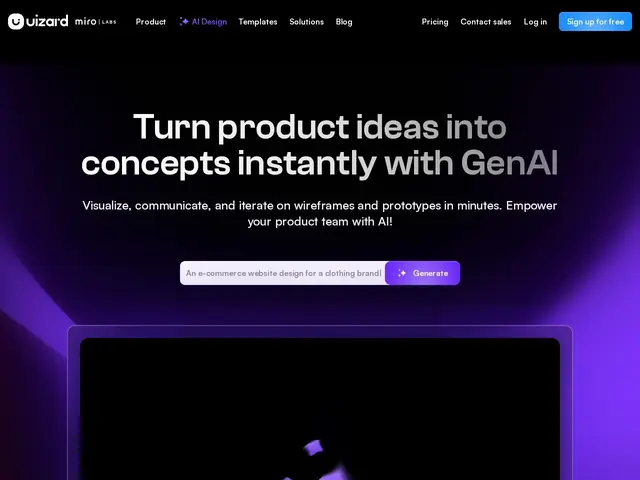
Description
Not every product team has a dedicated UI designer available when they need a quick mockup to test an idea. Uizard is built for that gap: it takes a hand-drawn wireframe, a screenshot of an existing app, or just a text prompt, and turns it into an editable digital design you can actually iterate on.
Its Autodesigner 2.0 generates complete design projects from text prompts, a Screenshot Scanner converts app screenshots into editable mockups, and a Wireframe Scanner digitizes hand-drawn sketches into digital designs. Teams can collaborate in real time, hand off designs to developers with generated React/CSS code (on Pro plans and above), and work across mobile, web, and tablet templates. Business-tier customers get custom brand kits. Pricing starts free (3 AI generations/month), then Pro at $12/month (500 generations, billed annually) and Business at $39/month (5,000 generations, billed annually), with custom Enterprise pricing above that.
💬 Our review
The short version: this is genuinely useful for people who need to communicate a design idea fast and don't have design skills — turning a napkin sketch into something that looks like a real screen is a much lower bar to clear than learning a full design tool, but the trade-off is less fine-grained control than a professional would want.
Against Figma, the dominant standard that most design and dev teams already use, Uizard's advantage is accessibility for non-designers via its sketch-to-design and text-to-design generation — Figma has nothing built-in that converts a hand-drawn wireframe automatically. But Figma wins decisively on ecosystem, plugin depth, and being the tool your collaborators (especially professional designers and developers) already expect to work in, so a team with any dedicated design capacity will likely still end up in Figma for anything beyond early concepting. Uizard's free tier (3 generations/month) is enough to test whether the sketch-to-mockup flow fits your workflow before paying $12-39/month.
💰 Pricing
📊 Global score
🤖 AI-enriched data
Gratuit (3 générations IA/mois), Pro 12$/mois (facturation annuelle, 500 générations/mois), Business 39$/mois (facturation annuelle, 5000 générations/mois), Enterprise sur devis
Pros
Convertit sketches à la main et screenshots en maquettes éditables
Génération de code React/CSS pour le handoff développeur
Palier gratuit accessible pour tester la génération IA
Cons
Moins de contrôle fin et d'écosystème plugin que Figma
Moins adopté par les designers professionnels que Figma
Génération de code réservée aux paliers Pro et au-dessus