peerd
A browser extension that runs a complete AI agent loop entirely client-side, driving your own tabs and sandboxed compute, with no backend server and no telemetry.
🔗 Visit peerd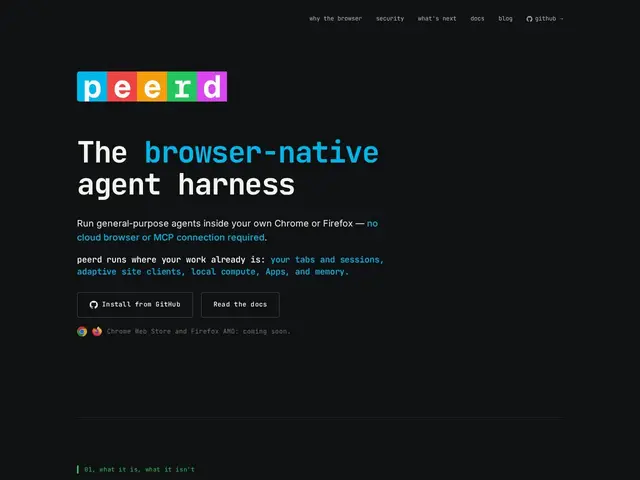
Description
Most AI agent tools today run somewhere else — a cloud server, a sandboxed VM you don't control — and ask you to hand over API keys and trust a company's infrastructure with whatever the agent does on your behalf. peerd takes a different approach: it runs the entire agent loop inside your own browser, as an extension, using the tabs, sessions, and compute you already have open. You bring your own API key (Anthropic, OpenAI, OpenRouter, or a local Ollama model), and nothing about what the agent does or sees goes through a peerd-run backend, because there isn't one.
Technically, peerd drives your browser tabs directly and can spin up sandboxed compute on demand — JavaScript notebooks, WebAssembly Linux VMs for running compiled tools, or small client-side apps — all isolated using the browser's own security primitives like V8 isolates and WebAuthn. It has a structural defense against prompt injection by keeping a separate 'runner' model that holds no credentials and only touches one environment's tools at a time, plus a hard egress allowlist for API providers and a denylist for sensitive sites. Agent-built outputs can be shared peer-to-peer over WebRTC. It's a free, early-stage developer preview (v0.x) — install from source on GitHub for now, with Chrome Web Store and Firefox Add-ons listings coming.
💬 Our review
The short version: if the idea of an AI agent's API key and browsing session living on someone else's server makes you uneasy, peerd's browser-native, no-backend architecture is a genuinely different and more private way to run agent workflows — you're trusting the browser's own sandboxing instead of a vendor's cloud.
Compared to cloud agent-browser tools like Browserbase or Playwright MCP, which run the browsing environment remotely and give you programmatic control, peerd flips the model: the agent runs where you already are, with your actual logged-in sessions, which is powerful but also means a misbehaving agent has access to whatever you're logged into in that browser — the prompt-injection defenses (isolated runner model, egress allowlist) are there specifically because of that larger blast radius, and they're worth understanding before trusting it with sensitive accounts. Being a brand-new v0.x developer preview (created June 2026, install-from-source only) means real polish and stability are still ahead of it; treat it as an interesting experiment to watch rather than a daily driver yet, especially if you're not comfortable building from source.
💰 Pricing
📊 Global score
🤖 AI-enriched data
Gratuit, aucun abonnement peerd ; vous fournissez votre propre clé API (Anthropic, OpenAI, OpenRouter) ou un modèle local Ollama.
Pros
Aucun backend, tout tourne dans le navigateur de l'utilisateur
BYOK : contrôle total sur la clé API utilisée
Défenses structurelles contre l'injection de prompt
Partage peer-to-peer via WebRTC
Cons
Version développeur très précoce (v0.x), installation depuis les sources uniquement
Accès à la session navigateur réelle = surface de risque plus large qu'un agent isolé
Pas encore listé sur Chrome Web Store / Firefox Add-ons