FluentDB
A native Mac app for browsing and querying your databases that lets you ask questions in plain English and get real SQL back — with built-in guardrails so an AI assistant can't quietly delete your data.
🔗 Visit FluentDB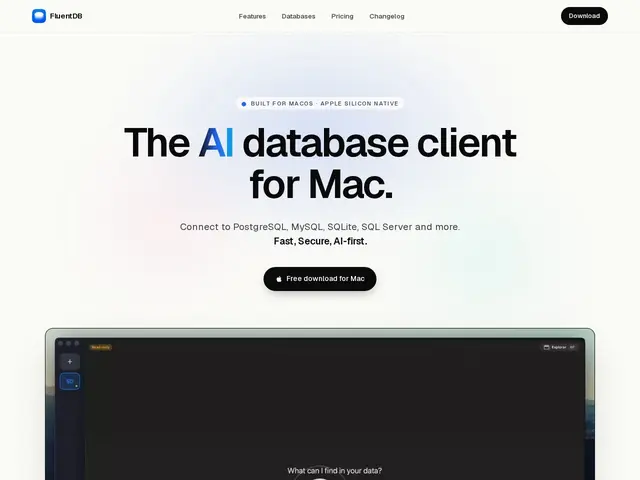
Description
If you've ever opened a database tool and stared at a blank query box trying to remember the right SQL syntax, FluentDB's pitch is simple: describe what you want in plain English, and let an AI co-pilot write (and explain) the query for you — while a safety layer stops it from running anything destructive without your OK. It's built specifically for Mac users who work with PostgreSQL, MySQL, SQLite or SQL Server day to day.
FluentDB is a native Swift macOS database client with a schema-aware SQL editor, autocomplete, a fast data grid built to handle 100K+ rows, and built-in charting. Its main differentiator is the AI layer: you bring your own model (Claude, OpenAI, or a local Ollama instance) so queries never have to leave your machine through a vendor's own AI, and every AI-suggested write goes through an approval workflow before it touches your database — there's also a read-only connection mode for extra safety. It also ships MCP (Model Context Protocol) support, so coding agents like Claude Code can query your database through the same guardrails. Pricing is a one-time purchase (Basic $54 for one Mac, Pro $76 for three), with a $24/month per-seat option for teams, and includes a year of updates.
💬 Our review
The short version: if you're a developer or DBA on macOS who wants an AI assistant for writing SQL without handing your production database's contents to a black-box cloud tool, FluentDB is a solid, reasonably priced native option — the one-time-purchase model is refreshing in a sea of subscriptions.
Against TablePlus (the incumbent native Mac client, fast and polished but with no AI co-pilot) or DBeaver (free, cross-platform, powerful, but a heavier Java app with a steeper interface), FluentDB's edge is the AI-first workflow plus the bring-your-own-model privacy angle — you're not locked into one AI vendor, and read-only mode plus query approval mean an overconfident AI can't drop a table by accident. The trade-off is platform lock-in (Mac only) and being a newer, smaller player than TablePlus or DBeaver, so plugin/driver coverage and community support are thinner for now. For a solo Mac developer who wants AI help without giving up control over write access, it's a good value at $54–76 one-time; teams should weigh the $24/seat/month cost against just using DBeaver for free and a separate AI chat window.
💰 Pricing
📊 Global score
🤖 AI-enriched data
Basic 54 $ (1 Mac, licence à vie), Pro 76 $ (3 Macs, licence à vie), Team 24 $/mois/siège (min. 4 sièges) — 1 an de mises à jour inclus, extension payante ensuite
Pros
Achat unique (pas d'abonnement obligatoire) avec 1 an de mises à jour inclus
Copilote IA à modèle choisi par l'utilisateur (Claude, OpenAI, Ollama local) — les données ne transitent pas par un vendor imposé
Garde-fous réels : workflow d'approbation des requêtes d'écriture + mode lecture seule
Support MCP natif pour brancher des agents de code (Claude Code, etc.) sur la base via les mêmes garde-fous
Cons
macOS uniquement — aucune option Windows/Linux
Écosystème et communauté plus restreints qu'un DBeaver (gratuit) ou TablePlus (plus ancien)
Le palier équipe (24 $/mois/siège, min. 4) revient cher comparé à un DBeaver gratuit + abonnement IA séparé
Support limité pour l'instant à Postgres/MySQL/SQLite/SQL Server (pas de Mongo, Redis, etc.)