Invio
A free, self-hosted invoicing tool for freelancers who are tired of paying a monthly fee just to send a PDF invoice and get paid — you run it yourself, clients open a link, no account needed.
🔗 Visit Invio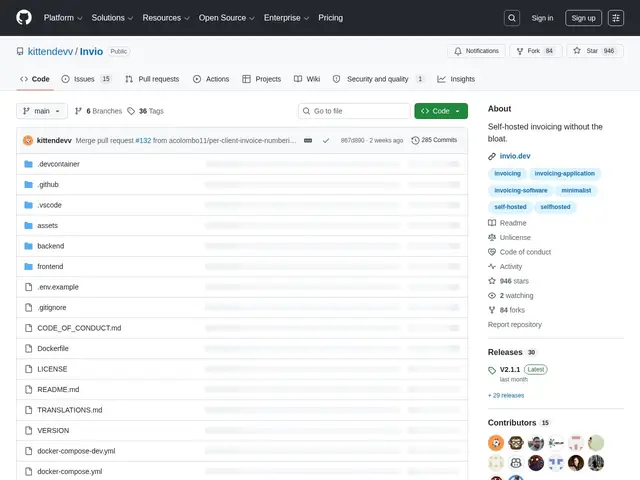
Description
Most invoicing tools charge a recurring subscription for something conceptually simple: making a nice-looking bill and letting a client view it. Invio is built for people who resent that — it's software you run yourself, for free, forever, instead of renting it every month from a SaaS company.
Invio is an open-source, self-hosted invoicing application (Unlicense/public domain) aimed at freelancers and small businesses. It creates and shares invoices through a secure link that clients can open directly — no account, login, or app download required on their end. It's deliberately minimal: no expense tracking, no accounting suite, no upsells, just invoice creation, a dashboard, and settings, packaged for Docker deployment with multi-language support. With 945+ GitHub stars and active commit history, it's a maintained project, not an abandoned experiment.
💬 Our review
The short version: if you're a freelancer or small shop that just needs to create invoices, share them via a link, and get paid — without paying $15-30/month to a SaaS for the privilege — Invio does exactly that job and nothing more, for free, forever.
Against commercial tools like Invoicera, FreshBooks, or Bonsai, Invio trades away polish, integrations, and customer support for zero cost and zero vendor lock-in — you host it yourself via Docker, own your data outright, and there's no risk of a pricing change or shutdown taking your invoicing history with it. Against InvoiceShelf, its closest open-source cousin, Invio is deliberately smaller in scope (no expense tracking, no multi-company support, no Stripe integration) in exchange for genuine simplicity — it's explicitly a zero-bloat tool, not a mini accounting suite. That makes it a good fit for a solo freelancer sending a handful of invoices a month who's comfortable running a Docker container, and a poor fit for anyone who wants expense tracking, payment processing, or a team of accountants who'd rather not touch a terminal.
💰 Pricing
📊 Global score
🤖 AI-enriched data
Licence Unlicense (domaine public), gratuit, auto-hébergement requis (Docker)
Pros
100% gratuit, licence domaine public
Partage de facture par lien sécurisé, sans compte client
Philosophie zero-bloat, prise en main rapide
Auto-hébergement = contrôle total des données
Cons
Pas de suivi de dépenses ni de comptabilité complète
Pas d'intégration de paiement (Stripe, etc.) mentionnée
Auto-hébergement (Docker) demande un minimum technique
Pas de multi-société contrairement à InvoiceShelf