Weave
A free, browser-based video editor where you build your edit visually on a timeline, and it exports the exact FFmpeg command needed to render the final video.
🔗 Visit Weave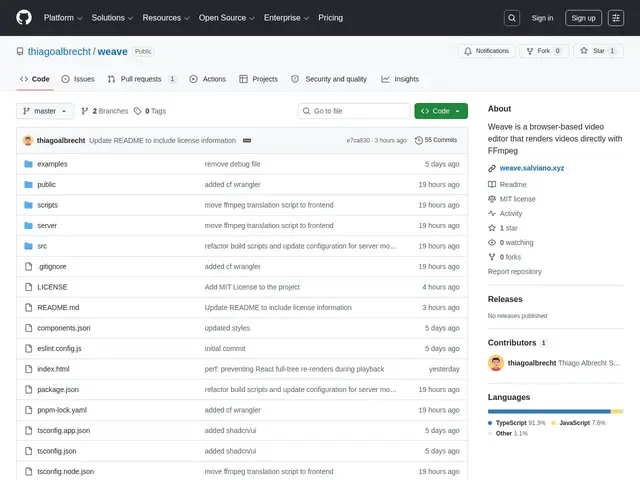
Description
Most free video editors either run as heavy desktop software or lock you into a specific rendering engine you can't inspect. Weave takes a different approach: you arrange clips, trims, and effects on a familiar timeline right in your browser, and instead of rendering the video itself, it hands you the exact FFmpeg command that will produce it — so you get a visual editing experience while keeping full control and transparency over the actual render.
It's a free, open-source (MIT) tool built in TypeScript/React with Vite, offering multi-track editing with trimming, transitions, fades, layout controls, masks, and color EQ adjustments, plus a real-time in-browser preview powered by FFmpeg.wasm.
💬 Our review
The short version: if you're comfortable with FFmpeg and want a visual way to build up a command instead of memorizing flags, Weave is a free, clever middle ground between "no editor" and "install a full desktop suite."
Against DaVinci Resolve, OpenShot, or Shotcut, all established free (or freemium) desktop editors with far more mature feature sets, Weave's differentiator is being entirely browser-based and exporting the actual FFmpeg command rather than a locked-in project file — appealing to developers and technical creators who want reproducibility and control over their render pipeline. The tradeoff is real: the in-browser preview via FFmpeg.wasm doesn't perfectly match the final FFmpeg render pixel-for-pixel, it depends on FFmpeg.wasm's GPL licensing (a consideration if you're distributing something built with it), and it needs FFmpeg installed locally to actually render — it's not a finished, polished editor like Resolve.
📊 Global score
🤖 AI-enriched data
Outil gratuit open source, pas d'abonnement ou plan payant.
Pros
Interface accessible basée navigateur
Export en commande FFmpeg
Entièrement open source
Édition multi-pistes
Aperçu temps réel FFmpeg.wasm
Cons
Aperçu ne correspond pas pixel-parfait au rendu final
Dépend de FFmpeg.wasm (GPL)
Pas de rendu natif intégré
Écosystème moins développé